




01. Edit your amend birth certificate florida online
Type text, add images, blackout confidential details, add comments, highlights and more.

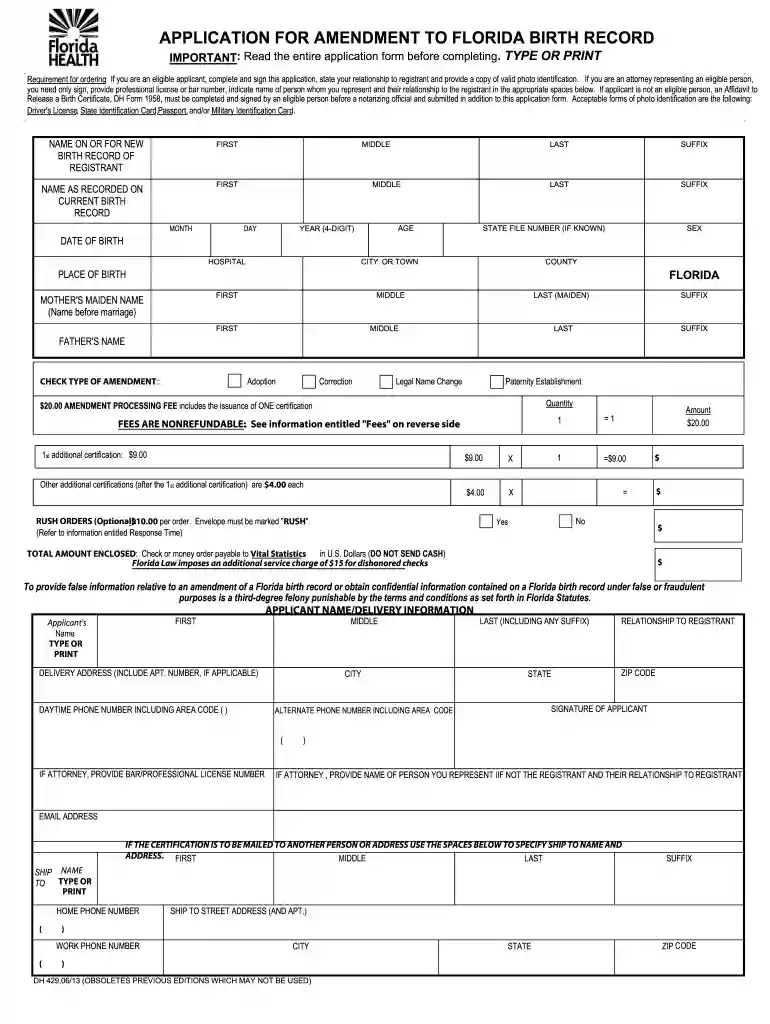
Type text, add images, blackout confidential details, add comments, highlights and more.

Draw your signature, type it, upload its image, or use your mobile device as a signature pad.

Send application for amendment to florida birth certificate via email, link, or fax. You can also download it, export it or print it out.

Start using our platform today to easily fill out and sign your application for a Florida birth record amendment!
At DocHub, your data security is our priority. We follow HIPAA, SOC2, GDPR, and other standards, so you can work on your documents with confidence.
Complete application form DH726 and applicable DocHubd affidavit(s). Must enclose a photocopy of drivers license, state identification card, passport, orRead more
When requesting any correction to the name of the registrant, both parents must sign the affidavit if both parents are named on the birth record. (2) A requestRead more
Some states require proof of surgery (meaning a letter from the surgeon, or from a doctor who has examined the person) to change the gender marker on theRead more


