




01. Edit your international claim online
Type text, add images, blackout confidential details, add comments, highlights and more.

Type text, add images, blackout confidential details, add comments, highlights and more.

Draw your signature, type it, upload its image, or use your mobile device as a signature pad.

Send international claim form via email, link, or fax. You can also download it, export it or print it out.

Start filling out your International Claim Form online for free today!
At DocHub, your data security is our priority. We follow HIPAA, SOC2, GDPR, and other standards, so you can work on your documents with confidence.
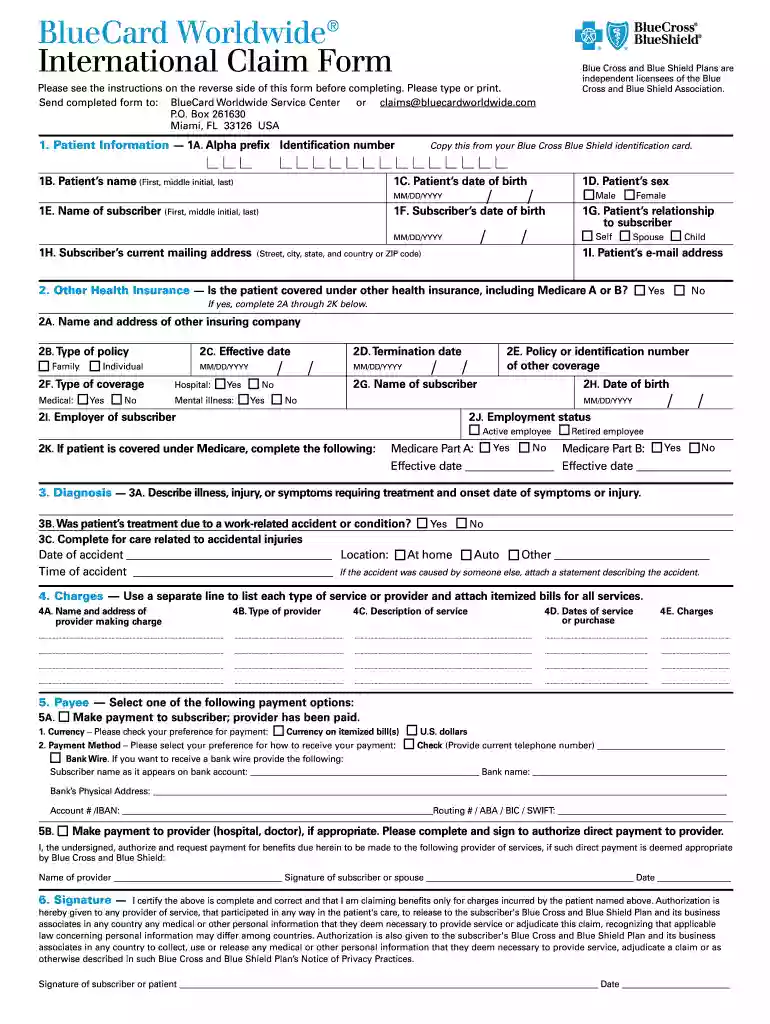
The Blue Cross Blue Shield Global Core International Claim Form is to be used to submit institutional and professional claims for benefits for coveredRead more
Jul 15, 2016 This site makes FOIA requests from its members publicly available, and compiles agency information based on those requests. Foreign ClaimsRead more
The International Claim Form must be completed for each patient in full, and accompanied by fully itemized bills. It is not necessary for you to provide anRead more


