




01. Edit your form online
Type text, add images, blackout confidential details, add comments, highlights and more.

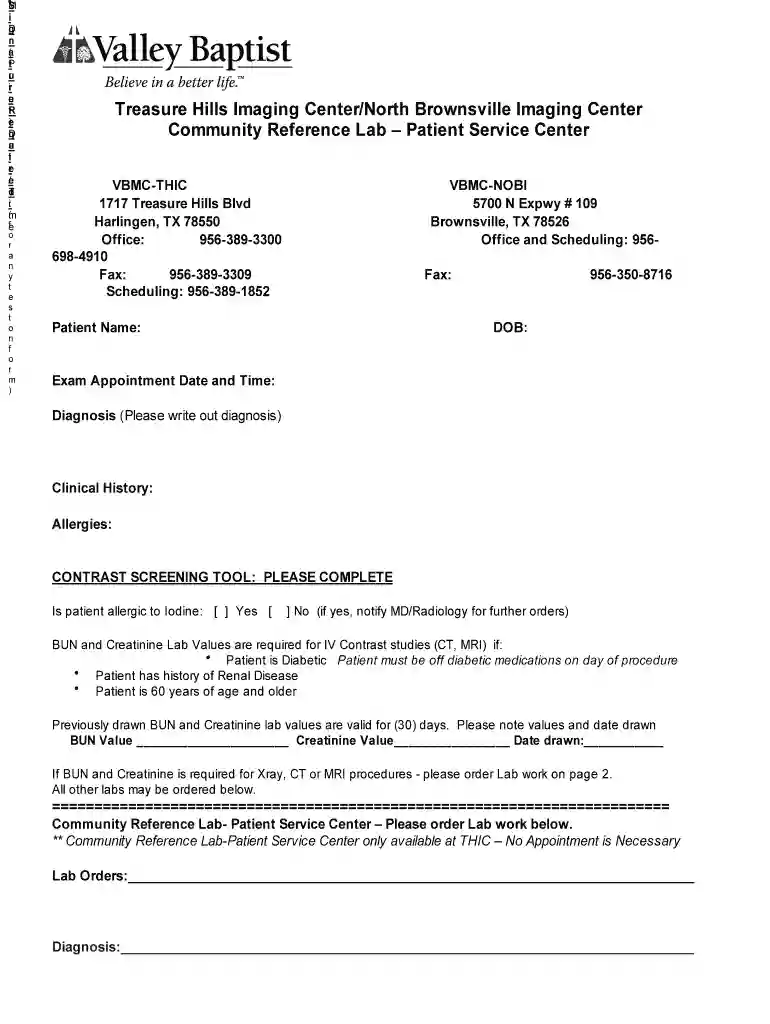
Type text, add images, blackout confidential details, add comments, highlights and more.

Draw your signature, type it, upload its image, or use your mobile device as a signature pad.

Send it via email, link, or fax. You can also download it, export it or print it out.

Start using our platform today to streamline your form completion process for free!
At DocHub, your data security is our priority. We follow HIPAA, SOC2, GDPR, and other standards, so you can work on your documents with confidence.
Throughout our history, we have remained committed to delivering exceptional education and clinical care to the diverse communities of the Rio Grande Valley.Read more
LUTHERAN MEDICAL CENTER - PATIENT MANAGEMENT SYSTEM. 35,000. HL D001. GONZALEZ RALPH LINCOLN SERVICE CENTER. HL DN344. 200,000. RICHMOND UNIVERSITYRead more
Patient survey rating. The HCAHPS star ratings summarize patient experience, which is one aspect of hospital quality. Use the star ratings along withRead more


