




Here's how it works



How to use or fill out citizenship in the community worksheet with our platform

- Click ‘Get Form’ to open the citizenship in the community worksheet in the editor.
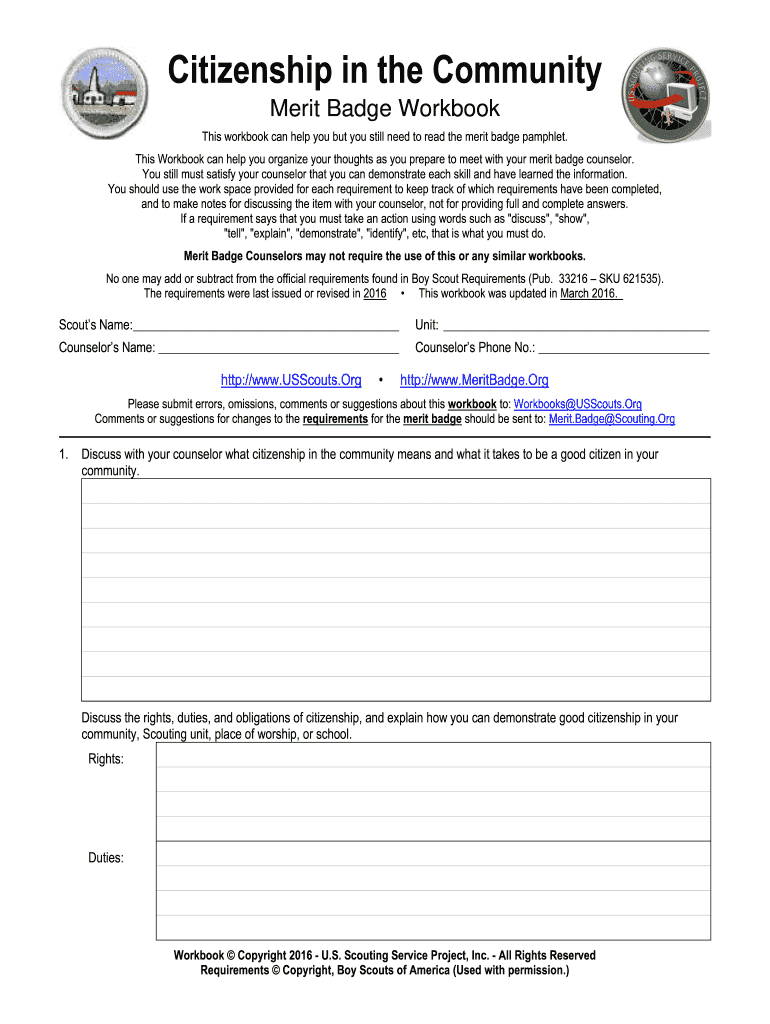
- Begin by entering your Scout’s name, unit, counselor’s name, and phone number at the top of the form. This information is essential for tracking your progress.
- In Section 1, discuss with your counselor what citizenship means. Use the provided space to jot down your thoughts on rights, duties, and obligations of citizenship.
- For Section 2, utilize a map or electronic device to locate key government buildings and services in your community. Check off each item as you identify them.
- Attend a local council or school board meeting as outlined in Section 3. Document your observations and opinions on discussed issues in the designated fields.
- In Section 4, choose a relevant community issue and interview a local government representative. Record their insights and how young people can contribute.
- Complete additional sections by following similar steps: engage with community services, volunteer opportunities, and prepare a public presentation about your findings.
Start using our platform today to effortlessly fill out your citizenship in the community worksheet for free!
It's free
Got questions?
How can I sign my citizenship in society merit badge worksheet without printing?
eSignatures are a great replacement for traditional signing, as they save time, effort, and money people spend on printing, scanning, and paper delivery. You can eSign your citizenship in society merit badge worksheet using a reliable and robust online document management services like DocHub. It complies with primary eSignature standards (ESIGN and UETA), so all forms approved there are legally binding and have the same validity as physically signed ones.
How do you edit citizenship in the community workbook on iOS?
You can easily edit and complete your citizenship in the community workbook on any iOS device. Open an internet browser of your liking, visit the DocHub website, authorize or create a new account, add your file for editing, and make your required changes. Our service is mobile-friendly, so utilizing its features on your smartphone will be a no-brainer, even on the first try.
Why is citizenship important in a community?
How can you show good citizenship in your community?
What does it mean to be a good citizen in the community?
Security and compliance
At DocHub, your data security is our priority. We follow HIPAA, SOC2, GDPR, and other standards, so you can work on your documents with confidence.
Learn more


