As9110 standard pdf download 2026

Get Form
as9110 rev c pdf Preview on Page 1

Here's how it works

01. Edit your as9110 rev c pdf online
Type text, add images, blackout confidential details, add comments, highlights and more.
02. Sign it in a few clicks
Draw your signature, type it, upload its image, or use your mobile device as a signature pad.
03. Share your form with others
Send as9110 pdf via email, link, or fax. You can also download it, export it or print it out.

How to use or fill out AS9110 Standard PDF Download with Our Platform

Form edit decoration
9.5
Ease of Setup
DocHub User Ratings on G2
9.0
Ease of Use
DocHub User Ratings on G2
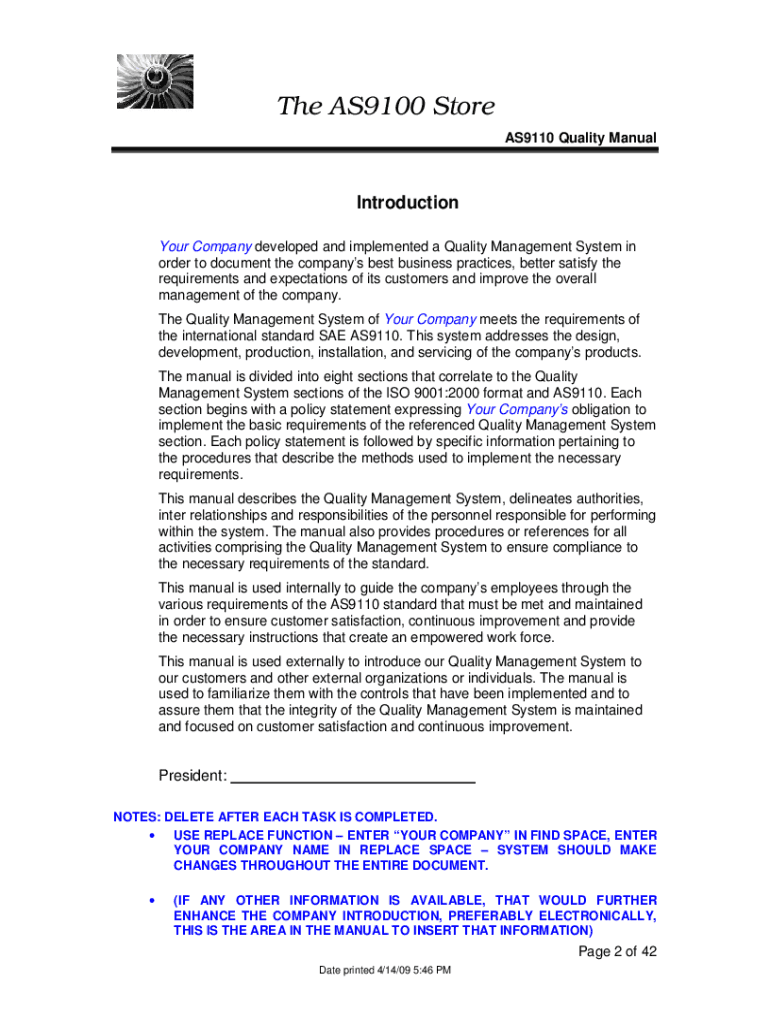
  1. Click ‘Get Form’ to open the AS9110 Quality Manual in the editor.
  2. Begin by reviewing the introduction section. Replace any placeholder text, such as 'Your Company', with your organization's name and relevant details.
  3. Move to the 'Quality Manual Distribution' section. Customize the list of recipients according to your organizational structure, ensuring all relevant departments are included.
  4. In Section 1: Scope, describe your Quality Management System (QMS) scope clearly. Document any applicable exclusions and provide justifications where necessary.
  5. Proceed to Section 2: Normative Reference. List all documents that were referenced during the preparation of your QMS, ensuring they align with AS9110 standards.
  6. In Section 3: Definitions, add or modify definitions specific to your company’s operations. This will help clarify terms for all users of the manual.
  7. Finally, review all sections for accuracy and completeness before saving or exporting your finalized document.

Start using our platform today for free to streamline your AS9110 Quality Manual editing process!

be ready to get more

Complete this form in 5 minutes or less

Get form

Got questions?

We have answers to the most popular questions from our customers. If you can't find an answer to your question, please contact us.
Contact us

You need to use only trusted software solutions with strong security compliance to approve your documents electronically. DocHub is just the type of software you need! It stores data on Amazon Web Servers and complies with all necessary security standards and eSignature laws, so it’s a trusted way to eSign your as9110 standard pdf download or other paperwork with this tool.

When you edit your as9110 standard pdf download with DocHub, you only need a steady web connection and virtually any browser installed on your device. No need to install any third-party software or study guides. Simply open a tab with DocHub, drag and drop your file, and modify it on the spot.

AS9110 is a standard that defines the quality system requirements for organisations whose primary business is in the aircraft industry at all levels of the maintenance, repair overhaul (MRO) process.
The latest version, AS 9110 Rev C (2016), includes the requirements of ISO 9001:2015 supplementing additional requirements specific for the industry.
AS9120 is a company level certification based on a standard published by the Society of Automotive Engineers (SAE) titled Quality Management Systems-Aerospace Requirements for Stockist Distributors. This standard includes ISO9001:2000 and specific requirements related to the Aerospace Industry.

Security and compliance

At DocHub, your data security is our priority. We follow HIPAA, SOC2, GDPR, and other standards, so you can work on your documents with confidence.

Learn more
ccpa2
pci-dss
gdpr-compliance
hipaa
soc-compliance

People also ask

AS9100 is an international quality management standard for the aerospace industry, while ISO 9001 is a generic quality management standard. Both standards share many common features, but AS9100 has additional requirements related to the specific needs of the aerospace industry.
The latest version, AS 9110 Rev C (2016), includes the requirements of ISO 9001:2015 supplementing additional requirements specific for the industry.
Differences between AS9110 and AS9100: AS9110 emphasizes areas such as repair station operations, maintenance process control, and product conformity verification. On the other hand, AS9100 focuses on product design and development, configuration management, and special processes, including manufacturing and assembly.
Key Differences Between AS9110 and AS9100 2. Scope of Requirements AS9110 concentrates on maintenance-specific requirements, such as repair and overhaul processes, configuration management, and regulatory compliance. In contrast, AS9100 covers a wider range of activities, including design, production, and servicing.

Related links