




01. Edit your form online
Type text, add images, blackout confidential details, add comments, highlights and more.

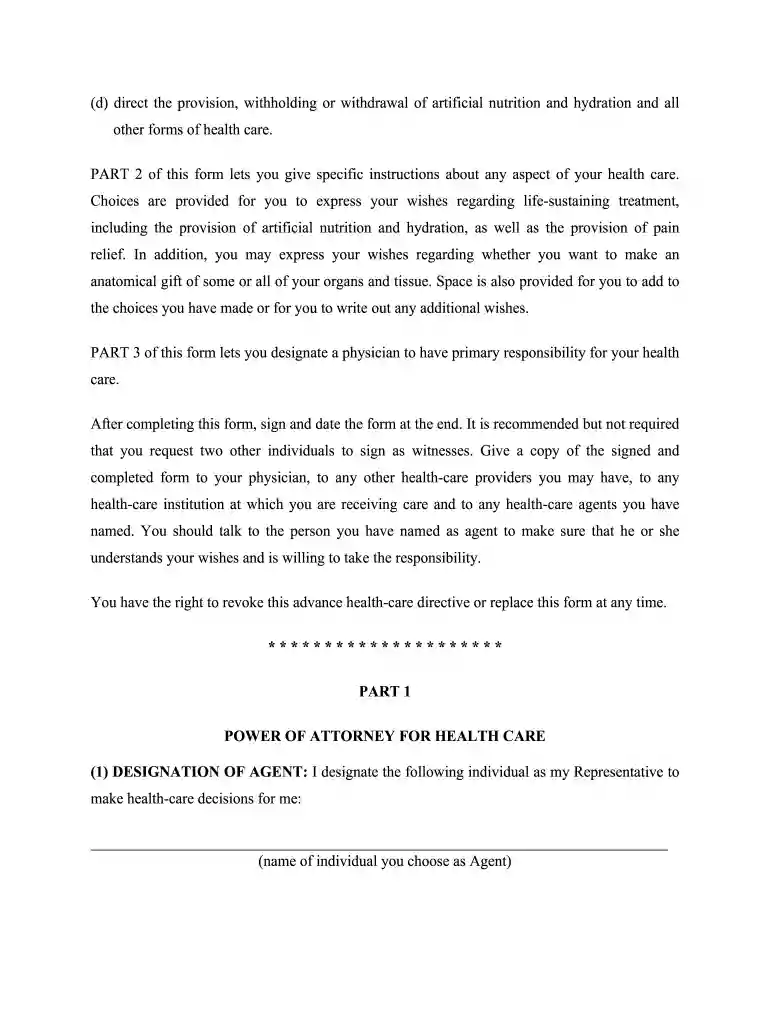
Type text, add images, blackout confidential details, add comments, highlights and more.

Draw your signature, type it, upload its image, or use your mobile device as a signature pad.

Send it via email, link, or fax. You can also download it, export it or print it out.

Start using our platform today to easily fill out your health care directive for free!
At DocHub, your data security is our priority. We follow HIPAA, SOC2, GDPR, and other standards, so you can work on your documents with confidence.
Nov 17, 2025 A living will that names your health care proxy and specifies how you want to be treated when you are unable to make decisions for yourself. ARead more
Part I: Name another person (called the health care agent) to make health care decisions for me if I am unable to decide or speak for myself.
A health care directive is a written legal document that sets out how a person should be cared for in case of an emergency or incapacity.Read more


