




01. Edit your press pass request letter sample online
Type text, add images, blackout confidential details, add comments, highlights and more.

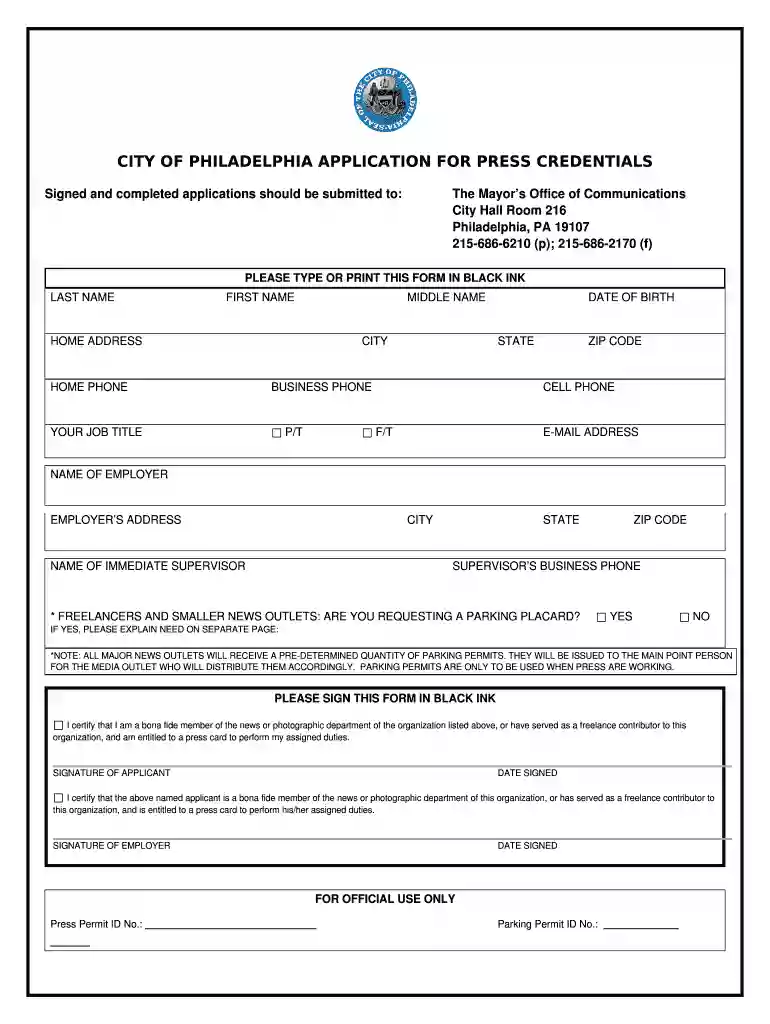
Type text, add images, blackout confidential details, add comments, highlights and more.

Draw your signature, type it, upload its image, or use your mobile device as a signature pad.

Send press credentials template via email, link, or fax. You can also download it, export it or print it out.

Start using our platform today to streamline your media pass request process for free!
At DocHub, your data security is our priority. We follow HIPAA, SOC2, GDPR, and other standards, so you can work on your documents with confidence.
By completing the Marketing Media Request Form, you agree that your effort will NOT: Disrupt the services, facilities, or programs at University Recreation Read more
The mediastinger Default Overlay File is used to an overlay based on if theres an after/during credit scene on each movie within your library.Read more
This form is for media to request access to the Department of Developmental Services (Department) Developmental Centers.Read more


