




01. Edit your form online
Type text, add images, blackout confidential details, add comments, highlights and more.

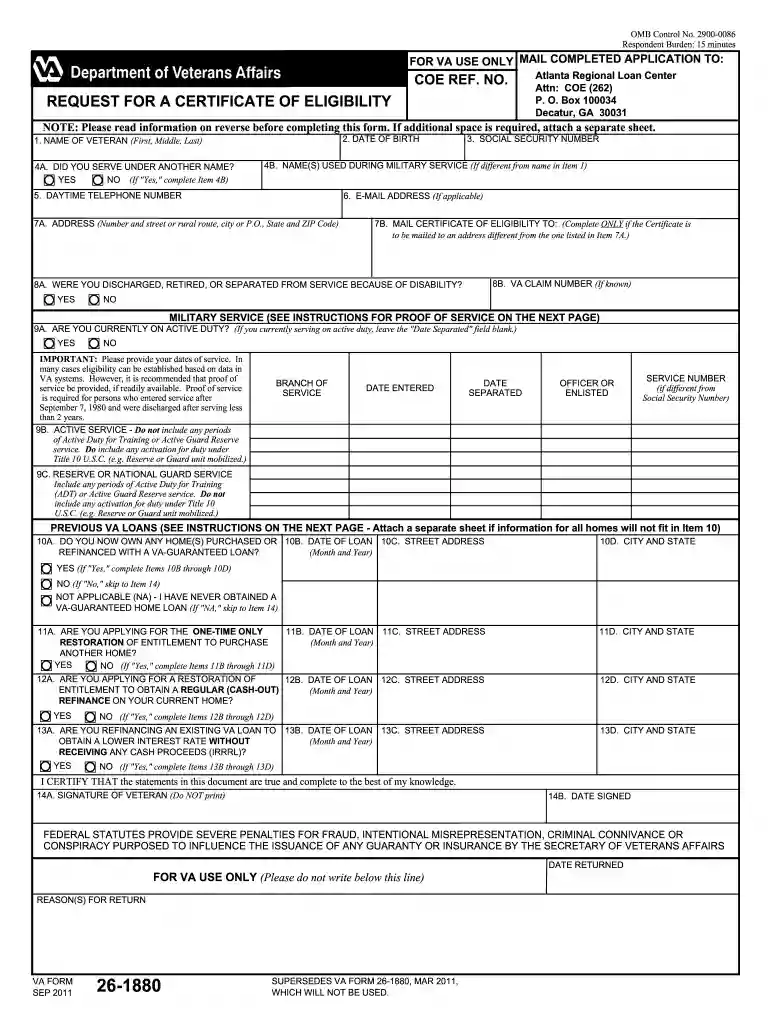
Type text, add images, blackout confidential details, add comments, highlights and more.

Draw your signature, type it, upload its image, or use your mobile device as a signature pad.

Send it via email, link, or fax. You can also download it, export it or print it out.

Start using our platform today for free to streamline your form completion process!
At DocHub, your data security is our priority. We follow HIPAA, SOC2, GDPR, and other standards, so you can work on your documents with confidence.
IMPORTANT: Please provide your dates of service. In many cases eligibility can be established based on data in. VA systems. However, it is recommended thatRead more
Indicate if you are applying for a restoration of entitlement. INSTRUCTIONS FOR VA FORM 26-1880. SECTION III - INFORMATION REGARDING PREVIOUS LOANS. YourRead more
Product contains fiberglass wool. Disturbing the insulation in this product during installation, maintenance, or repair will expose you to fiberglass wool.Read more


