




01. Edit your k10 test online
Type text, add images, blackout confidential details, add comments, highlights and more.

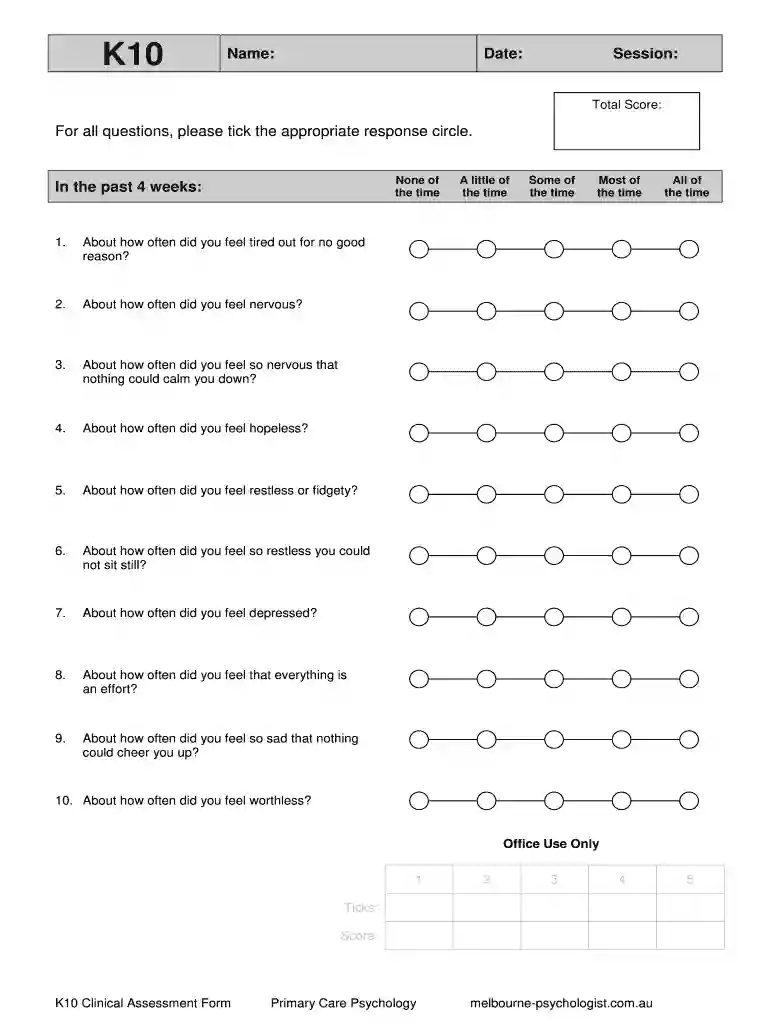
Type text, add images, blackout confidential details, add comments, highlights and more.

Draw your signature, type it, upload its image, or use your mobile device as a signature pad.

Send k10 pdf via email, link, or fax. You can also download it, export it or print it out.

Start using our platform today to easily complete your K10 assessment for free!
At DocHub, your data security is our priority. We follow HIPAA, SOC2, GDPR, and other standards, so you can work on your documents with confidence.
The K10 is converted to a 0-40 scale. The calibration study that was published in Archives of General Psychiatry shows that a cut point on 13+ on the K6 isRead more
A treatment plan is a set of written instructions and records pertaining to the treatment and management of a mental health condition and/or crisis.Read more
by TM Anderson 2013 Cited by 153 The K10 exhibits sensitivity to internalizing disorders as they occur across the lifespan and can be used with confidence when assessing psychological distress.Read more


