




01. Edit your settlement document online
Type text, add images, blackout confidential details, add comments, highlights and more.

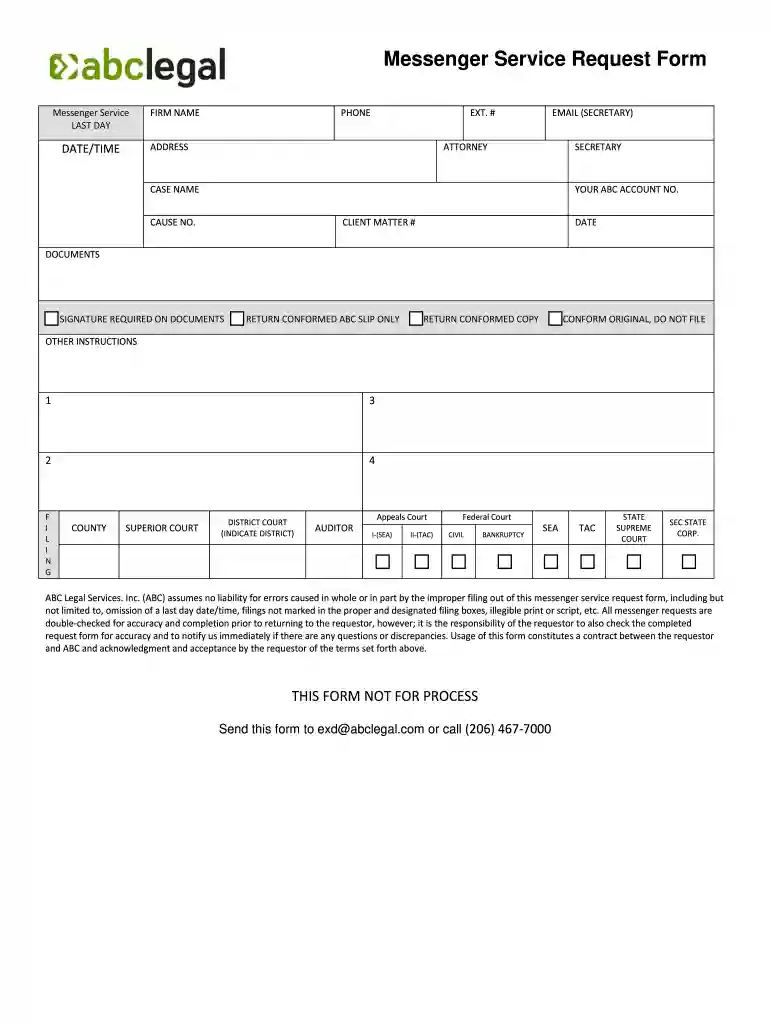
Type text, add images, blackout confidential details, add comments, highlights and more.

Draw your signature, type it, upload its image, or use your mobile device as a signature pad.

Send document law via email, link, or fax. You can also download it, export it or print it out.

Start using our platform today to streamline your document requests for free!
At DocHub, your data security is our priority. We follow HIPAA, SOC2, GDPR, and other standards, so you can work on your documents with confidence.
Legal and regulatory information abc, xyz and 123 will be accepted. 3. Maximum Repeated. Pattern Length. The maximum sequence of characters that canRead more
Aug 13, 2015 The most rewarding moment in my career was the first time I went on television as a legal expert for ABC, discussing collaborative divorce.Read more
View the federal spending activity for ABC LEGAL SERVICES, LLC in this profile page.


