




01. Edit your 90 minute emergency light test form online
Type text, add images, blackout confidential details, add comments, highlights and more.

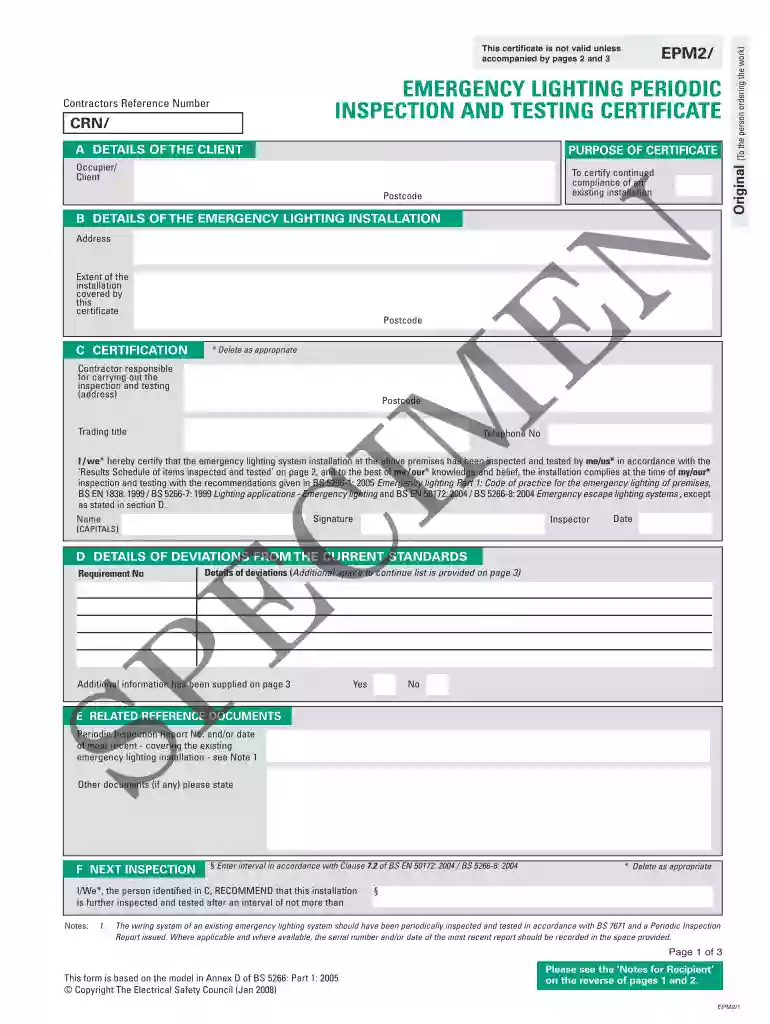
Type text, add images, blackout confidential details, add comments, highlights and more.

Draw your signature, type it, upload its image, or use your mobile device as a signature pad.

Send 90 minute emergency light test via email, link, or fax. You can also download it, export it or print it out.

Start using our platform today to easily complete your emergency light test form for free!
At DocHub, your data security is our priority. We follow HIPAA, SOC2, GDPR, and other standards, so you can work on your documents with confidence.
Annual- 90 minute duration test (note: Recommended to be followed up with a 30 second functional test 24 hours after). MONTHLY TESTER-MUST SIGN (30 secondRead more
90 Minute Duration. 9. Exterior Exit Paths (Ramps, Stairs, Guardrails ). CFM. Suitable Walking Surface. Emergency Light Illumination Test. 90 Minute Duration.Read more
With a low-profile form factor and small, unobtrusive lamp heads, the EU2L emergency light and ECC emergency light and exit combination are designed to remain.Read more


