




01. Edit your form online
Type text, add images, blackout confidential details, add comments, highlights and more.

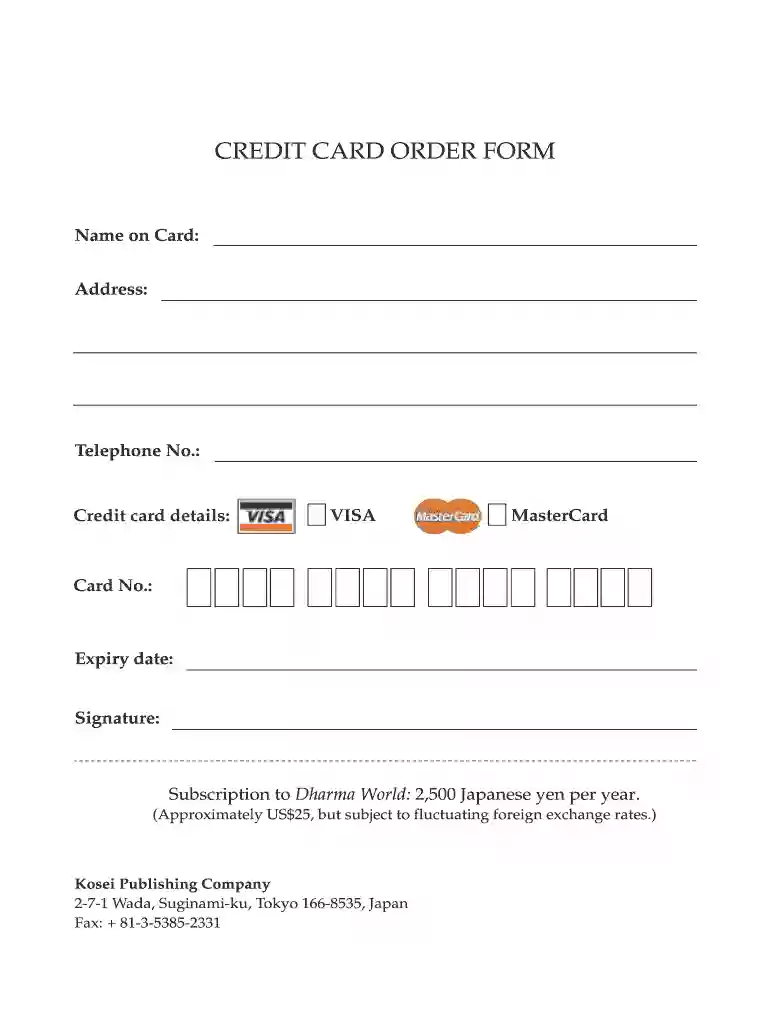
Type text, add images, blackout confidential details, add comments, highlights and more.

Draw your signature, type it, upload its image, or use your mobile device as a signature pad.

Send it via email, link, or fax. You can also download it, export it or print it out.

Start using our platform today to complete your kosei shuppan credit card order form online for free!
At DocHub, your data security is our priority. We follow HIPAA, SOC2, GDPR, and other standards, so you can work on your documents with confidence.
by I Condry 2009 Cited by 100 Cutesy characters often adorn business cards of serious companies and even government agencies. Sometimes they advertise services for which endearing charactersRead more
by K Wakai 1996 The United States and Japan are economically and educationally quite similar, yet each has unique cultural values and beliefs about children and parenting.Read more


