




01. Edit your fsc self declaration online
Type text, add images, blackout confidential details, add comments, highlights and more.

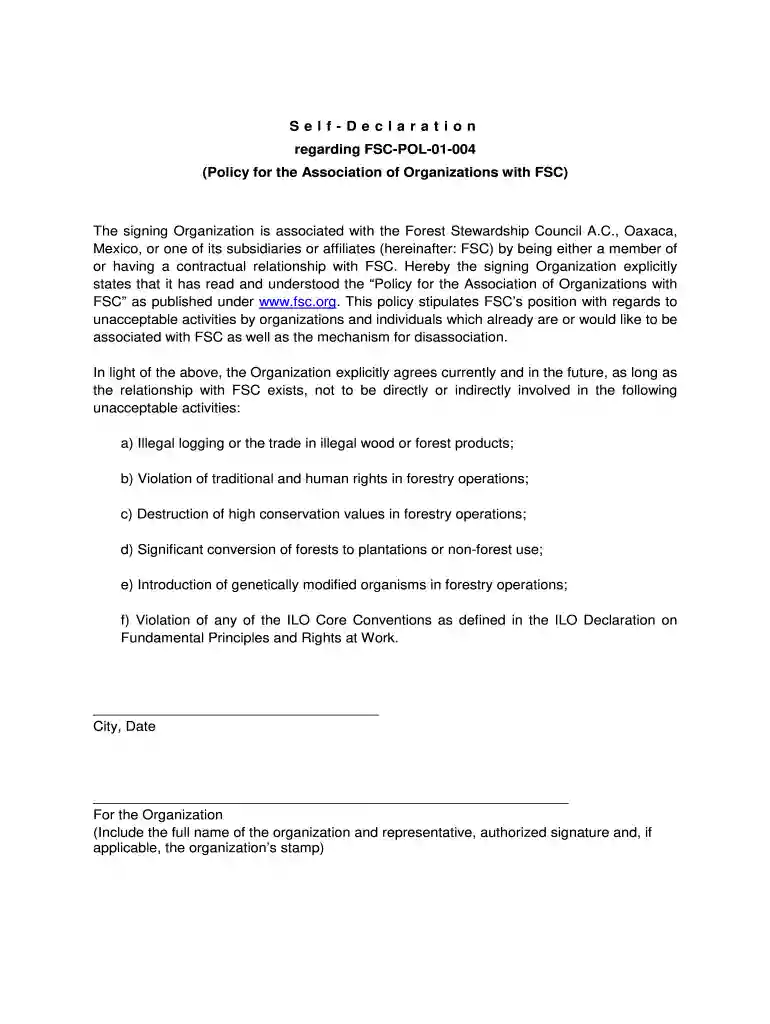
Type text, add images, blackout confidential details, add comments, highlights and more.

Draw your signature, type it, upload its image, or use your mobile device as a signature pad.

Send fsc pol 01 004 self declaration via email, link, or fax. You can also download it, export it or print it out.

Start using our platform today to complete your FSC Self Declaration easily and for free!
At DocHub, your data security is our priority. We follow HIPAA, SOC2, GDPR, and other standards, so you can work on your documents with confidence.
The goal of FSC is to promote environmentally responsible, socially beneficial and economically viable management of the worlds forests, by establishing aRead more
As a part of that, in fiscal 2013, Yamaha Corporation released the Positive Action. Declaration on a portal site for information on the Positive Action Project.Read more
Date. Date. 33. Page 34. Appendix B-14 FSC Values Signature Page (Self-Declaration). The signing organization is associated with the Forest Stewardship CouncilRead more


