




01. Edit your sc 105 online
Type text, add images, blackout confidential details, add comments, highlights and more.

Type text, add images, blackout confidential details, add comments, highlights and more.

Draw your signature, type it, upload its image, or use your mobile device as a signature pad.

Send sc 105 california via email, link, or fax. You can also download it, export it or print it out.

Start using our platform today for free and simplify your form completion process!
At DocHub, your data security is our priority. We follow HIPAA, SOC2, GDPR, and other standards, so you can work on your documents with confidence.
Room Features Classroom on ground floor or DocHubable by elevator Operable windows. Technology Information. System. Digital Classroom Podium. Sources. Blu-Read more
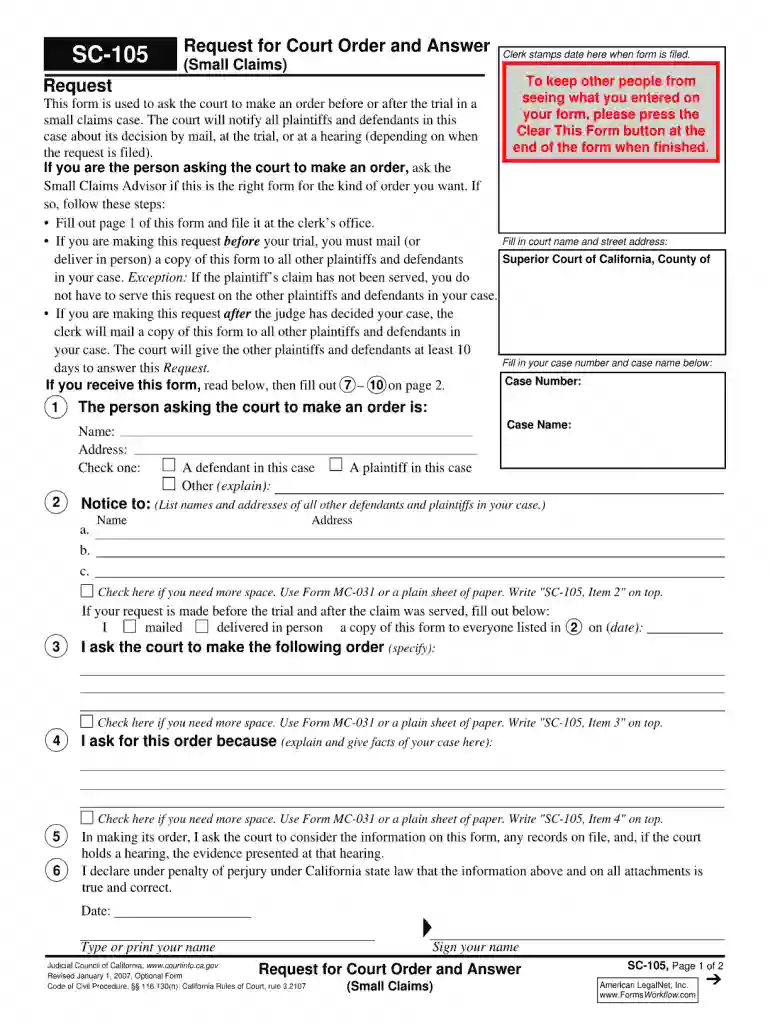
Request. This form is used to ask the court to make an order before or after the trial in a small claims case. The court will notify all plaintiffs andRead more
Before using this product, you must evaluate it and determine if it is suitable for your intended application. You assume all risks and liability associatedRead more


