




01. Edit your dswd application form online
Type text, add images, blackout confidential details, add comments, highlights and more.

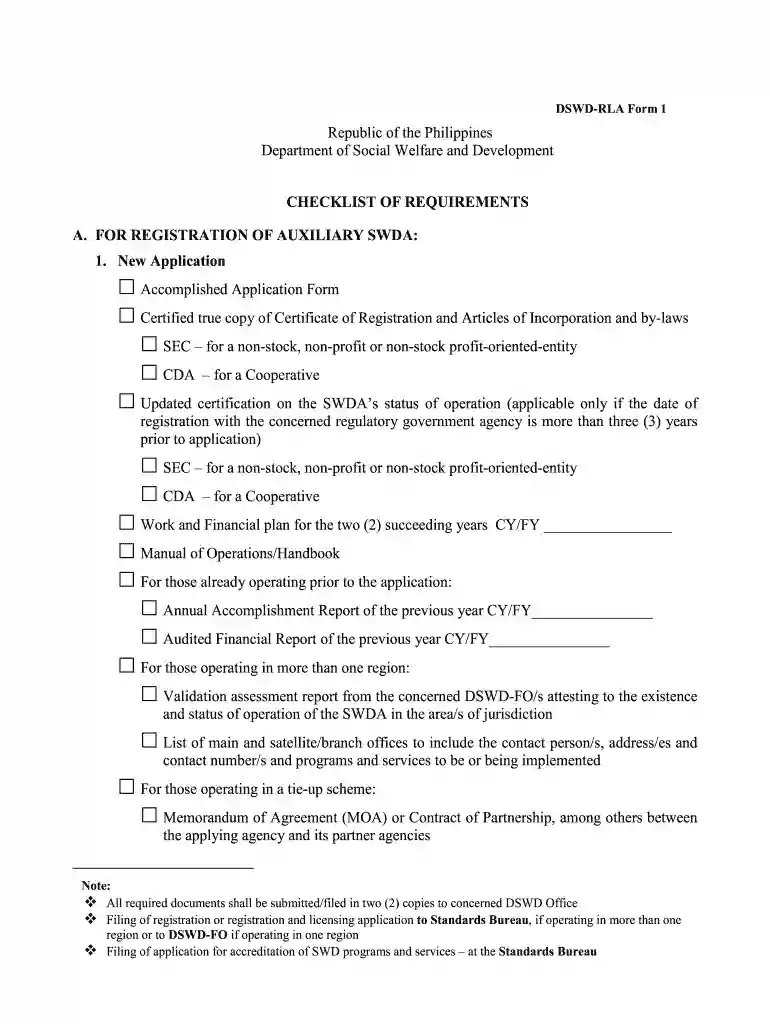
Type text, add images, blackout confidential details, add comments, highlights and more.

Draw your signature, type it, upload its image, or use your mobile device as a signature pad.

Send dswd application form for registration via email, link, or fax. You can also download it, export it or print it out.

Start using our platform today to fill out your sap form easily and efficiently!
At DocHub, your data security is our priority. We follow HIPAA, SOC2, GDPR, and other standards, so you can work on your documents with confidence.
Access a Previously Saved Electronic SAP Appeal, Directions for SAP Appeal Electronic Form, Electronic Form Process and Timeline for Students and Advisors.Read more
Sep 18, 2023 Instructions for completing the Rapid Assessment Form: Inspector ID use your SAP ID number, and you can put your name on this form. (OnRead more


