




01. Edit your eng93 online
Type text, add images, blackout confidential details, add comments, highlights and more.

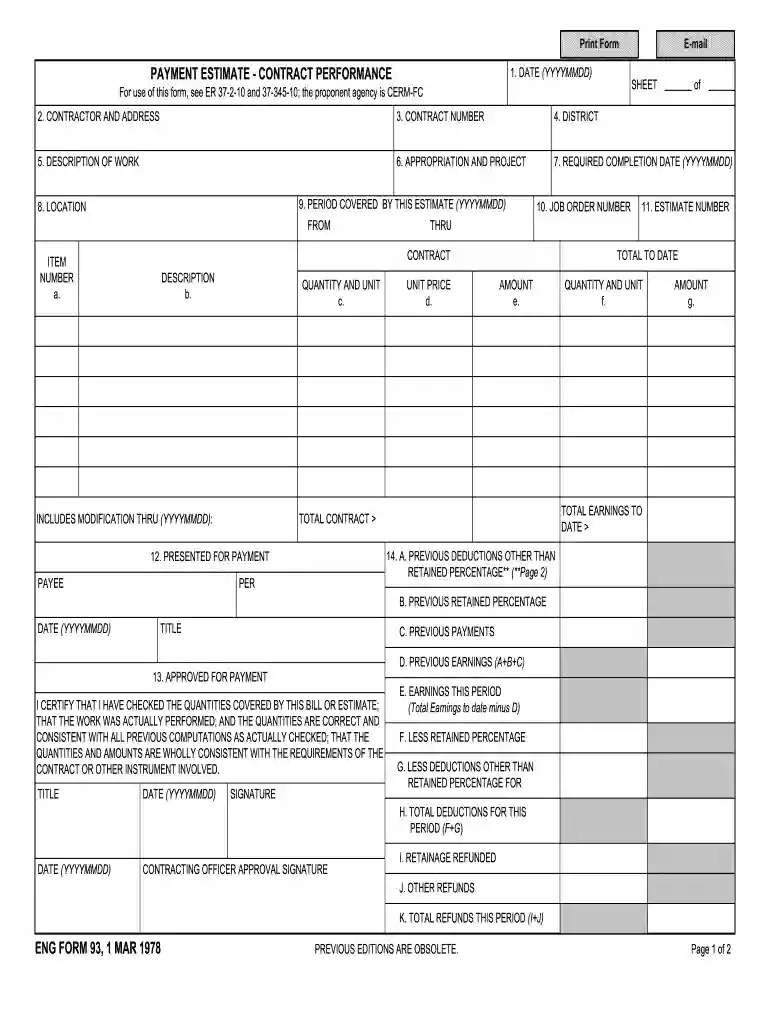
Type text, add images, blackout confidential details, add comments, highlights and more.

Draw your signature, type it, upload its image, or use your mobile device as a signature pad.

Send eng form 93 via email, link, or fax. You can also download it, export it or print it out.

Start using our platform today to streamline your form filling process for free!
Sure, a typed name is recognized as a legitimate electronic signature when you create it on your paperwork using a compliant solution like DocHub. Simply import your eng 93 to our editor, click Sign in the top tool pane → Create your signature → Type your name in the appropriate tab, and select how it will appear on your document.
If you are searching for a state-specific eng 93 form sample, you can find it in our DocHub Forms & Templates catalog. Use the search field, enter your form’s name, and search through the results for your state. You can also filter out irrelevant results while exploring our catalog by categories.
At DocHub, your data security is our priority. We follow HIPAA, SOC2, GDPR, and other standards, so you can work on your documents with confidence.
A pre-freshman writing course focused on the development of critical reading, writing, and thinking abilities necessary for success in college-level courses andRead more
Attachment 02-ENG FORM 93.pdf. 1.03 MB, Public, Aug 3, 2021. Attachment 04-ENG FORM 4025-R.pdf. 1018.52 KB, Public, Aug 3, 2021. Attachment 03-DSCC ExcavationRead more
Converts unformatted ASCII data that contains carriage returns and form feeds into a record format that contains an American National Standards InstituteRead more


