




01. Edit your nascar license renewal online
Type text, add images, blackout confidential details, add comments, highlights and more.

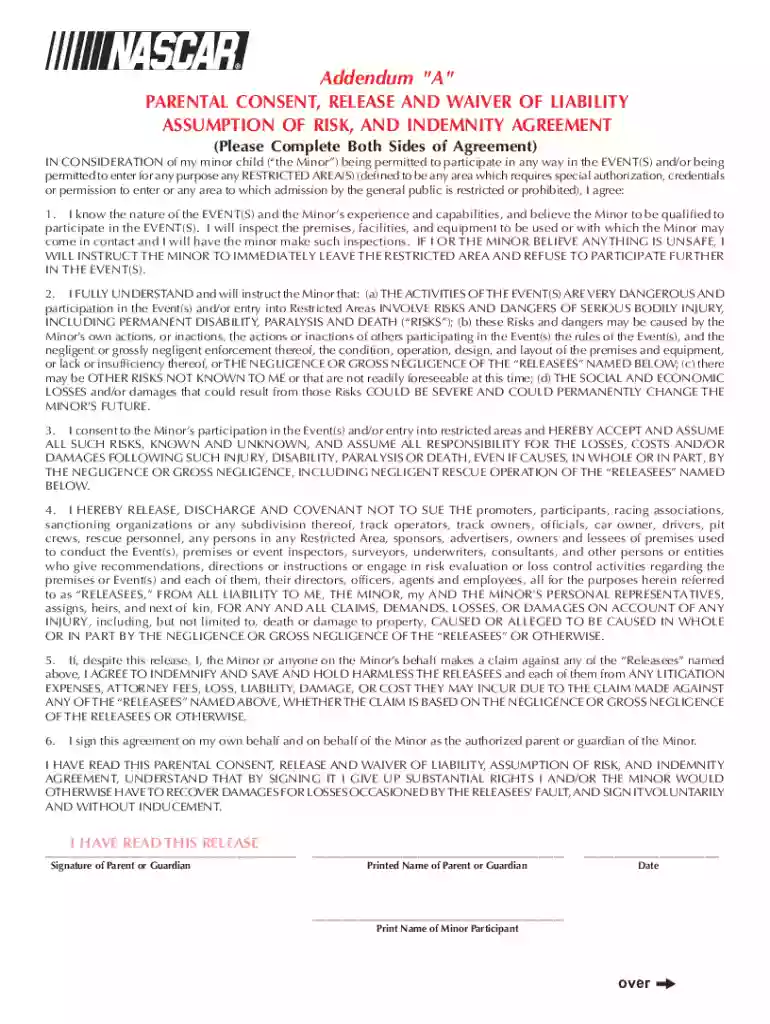
Type text, add images, blackout confidential details, add comments, highlights and more.

Draw your signature, type it, upload its image, or use your mobile device as a signature pad.

Send nascar license application via email, link, or fax. You can also download it, export it or print it out.

Start using our platform today to streamline your nascar license renewal process for free!
At DocHub, your data security is our priority. We follow HIPAA, SOC2, GDPR, and other standards, so you can work on your documents with confidence.
Feb 4, 2026 To make the renewal process simple, ASE offers a myASE Renewal app. Using your desktop, tablet or mobile device, you can keep up with yourRead more
NASCAR license plates are available for a one-time $60 fee. Personalized plates are available for an additional $50 fee. A yearly renewal fee of $25 alsoRead more


