




01. Edit your written engage download online
Type text, add images, blackout confidential details, add comments, highlights and more.

Type text, add images, blackout confidential details, add comments, highlights and more.

Draw your signature, type it, upload its image, or use your mobile device as a signature pad.

Send fnma form 1033 via email, link, or fax. You can also download it, export it or print it out.

Start using our platform today for free to streamline your form completion process!
At DocHub, your data security is our priority. We follow HIPAA, SOC2, GDPR, and other standards, so you can work on your documents with confidence.
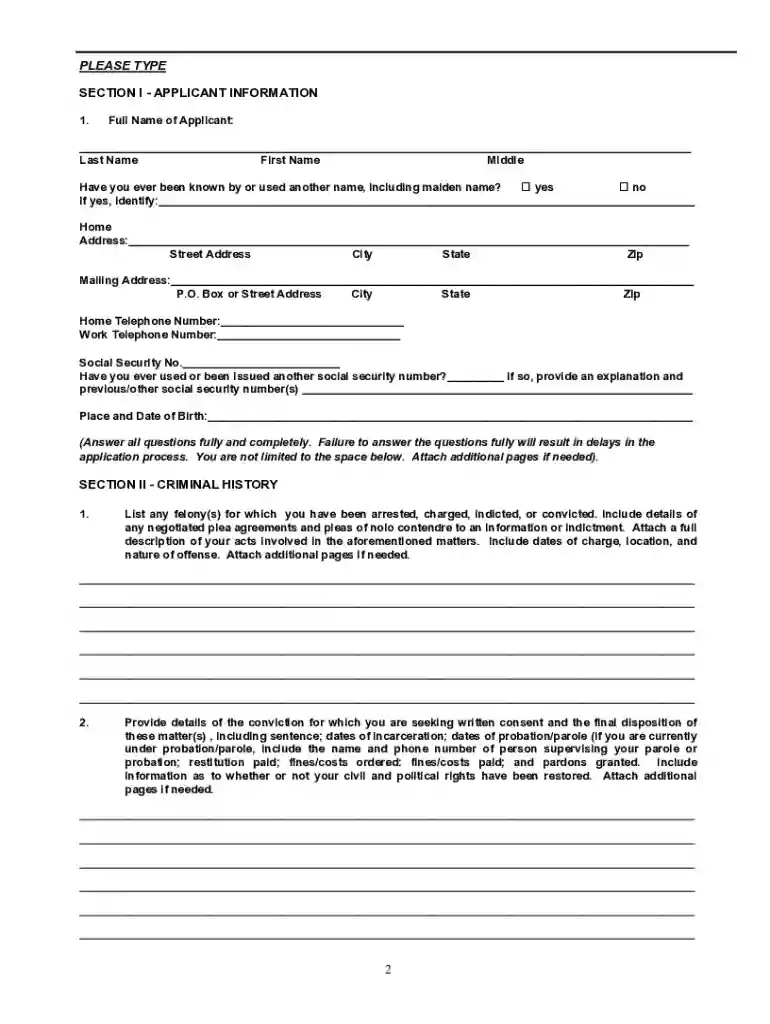
All 1033 Consent Applications must be completed in full and typewritten. Any application that is not typewritten will be returned to the applicant. Note: TheRead more
Web section 1033 (a close cousin to 1031) allows you to defer the gain when you lose your property due to an involuntary conversion such as theft, condemnation,Read more
The information included in this Quarterly. Report on Form 10-Q should be read in conjunction with Managements Discussion and Analysis of Financial. ConditionRead more


