




01. Edit your fit to work certificate online
Type text, add images, blackout confidential details, add comments, highlights and more.

Type text, add images, blackout confidential details, add comments, highlights and more.

Draw your signature, type it, upload its image, or use your mobile device as a signature pad.

Send medical certificate fit to work via email, link, or fax. You can also download it, export it or print it out.

Start using our platform today for free to streamline your document editing and signing process!
At DocHub, your data security is our priority. We follow HIPAA, SOC2, GDPR, and other standards, so you can work on your documents with confidence.
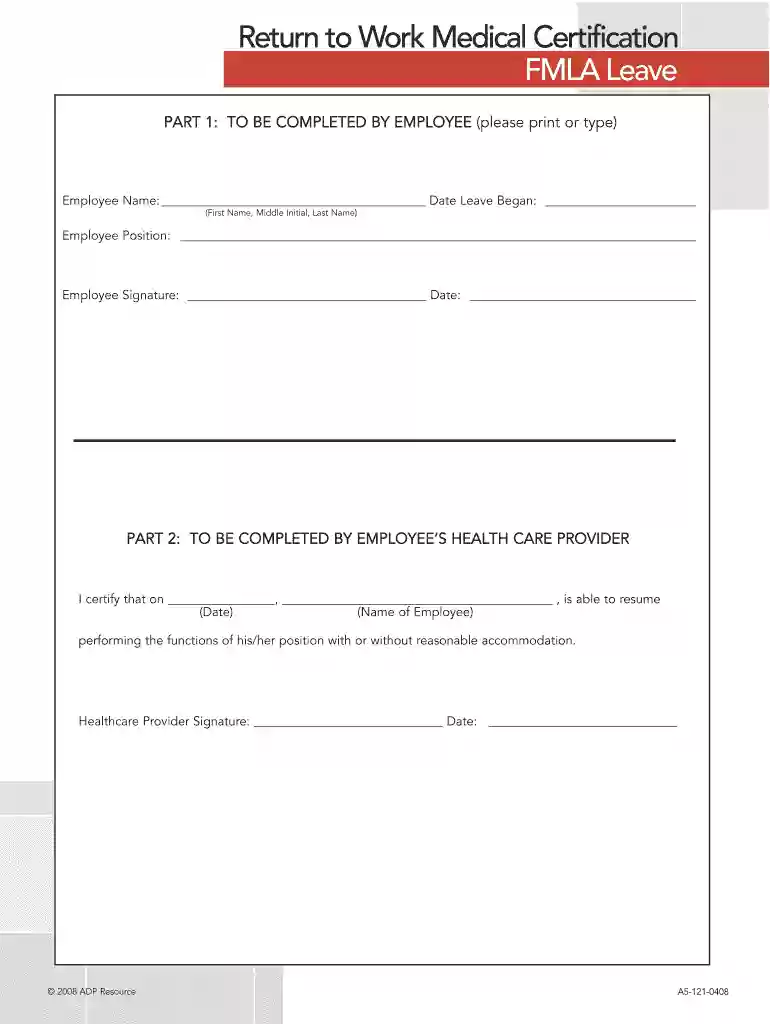
As a condition to return to work, the employee must have a health care provider DocHub that the employee is medically fit to resume his/her job duties. DateRead more
In most circumstances, the employee must be provided at least 15 calendar days to provide the recertification after the employers request. Returning to work.Read more
If an employee is absent because of an illness, the supervisor may require that the employee submit written documentation from a health care providerRead more


