




01. Edit your puerto rico ucc online
Type text, add images, blackout confidential details, add comments, highlights and more.

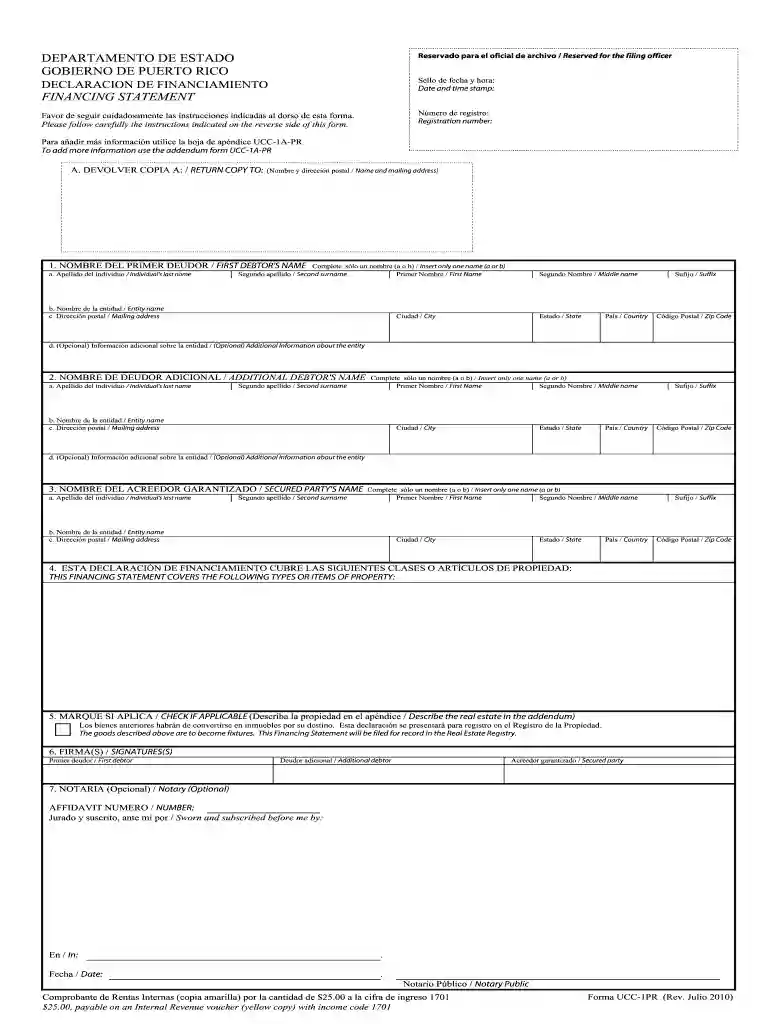
Type text, add images, blackout confidential details, add comments, highlights and more.

Draw your signature, type it, upload its image, or use your mobile device as a signature pad.

Send puerto rico ucc search via email, link, or fax. You can also download it, export it or print it out.

Start using our platform today to streamline your puerto rico ucc search process for free!
At DocHub, your data security is our priority. We follow HIPAA, SOC2, GDPR, and other standards, so you can work on your documents with confidence.
Online searching allows you to search the Secured Transactions Register and request certified search results. You may setup an online account and view yourRead more
GIVING LIBRARY. Search for: ABOUT US Office of the President Board of Trustees Mission, Vision Goals UCC History ADMISSIONS Medical Images


