




01. Edit your florist wedding contract template online
Type text, add images, blackout confidential details, add comments, highlights and more.

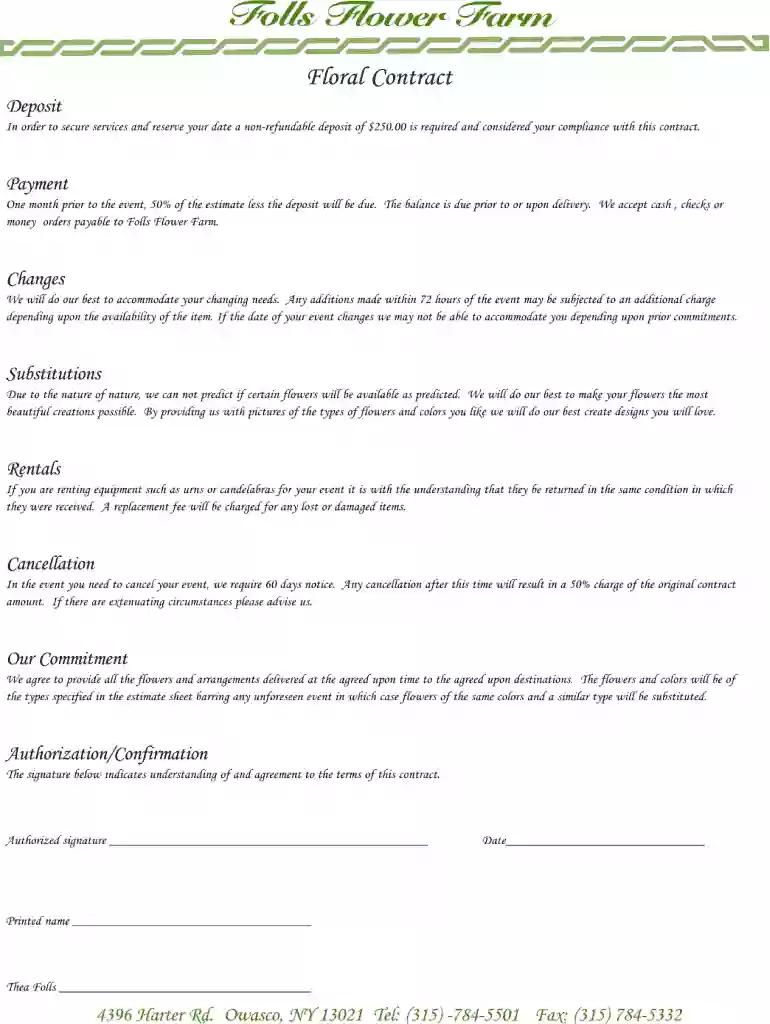
Type text, add images, blackout confidential details, add comments, highlights and more.

Draw your signature, type it, upload its image, or use your mobile device as a signature pad.

Send floral contract sample via email, link, or fax. You can also download it, export it or print it out.

Start filling out your floral contract today for free with our user-friendly editor!
At DocHub, your data security is our priority. We follow HIPAA, SOC2, GDPR, and other standards, so you can work on your documents with confidence.
The American Battle Monuments Commission (ABMC) has a requirement for a floral arrangement ordering and delivery platform.Read more
Jun 12, 2023 This contract is for anyone (professional or nonprofessional) decorating at RCC. This contract is to be initialed signed by.Read more


