




01. Edit your form online
Type text, add images, blackout confidential details, add comments, highlights and more.

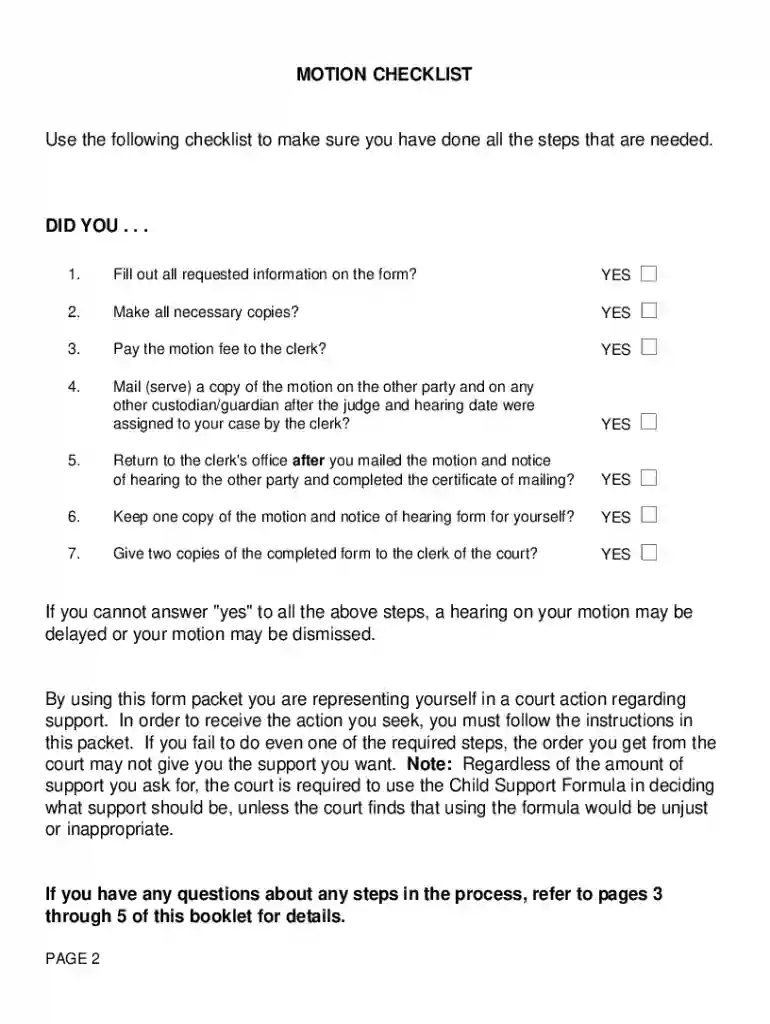
Type text, add images, blackout confidential details, add comments, highlights and more.

Draw your signature, type it, upload its image, or use your mobile device as a signature pad.

Send it via email, link, or fax. You can also download it, export it or print it out.

Start using our platform today to streamline your document editing and ensure a smooth process for filling out FOC 50!
At DocHub, your data security is our priority. We follow HIPAA, SOC2, GDPR, and other standards, so you can work on your documents with confidence.
Updated information on the performances of the Neutral Density filters: The in- flight transmission properties of the five neutral density filters available inRead more
If you require special accommodations to use the court because of a disability, or if you require a foreign language interpreter.Read more
Thought experiment on the effect of the rate of ground water flow on the con- centration of EDB and DCA in ground water in contact with residual leaded motorRead more


