




01. Edit your vehicle massachusetts online
Type text, add images, blackout confidential details, add comments, highlights and more.

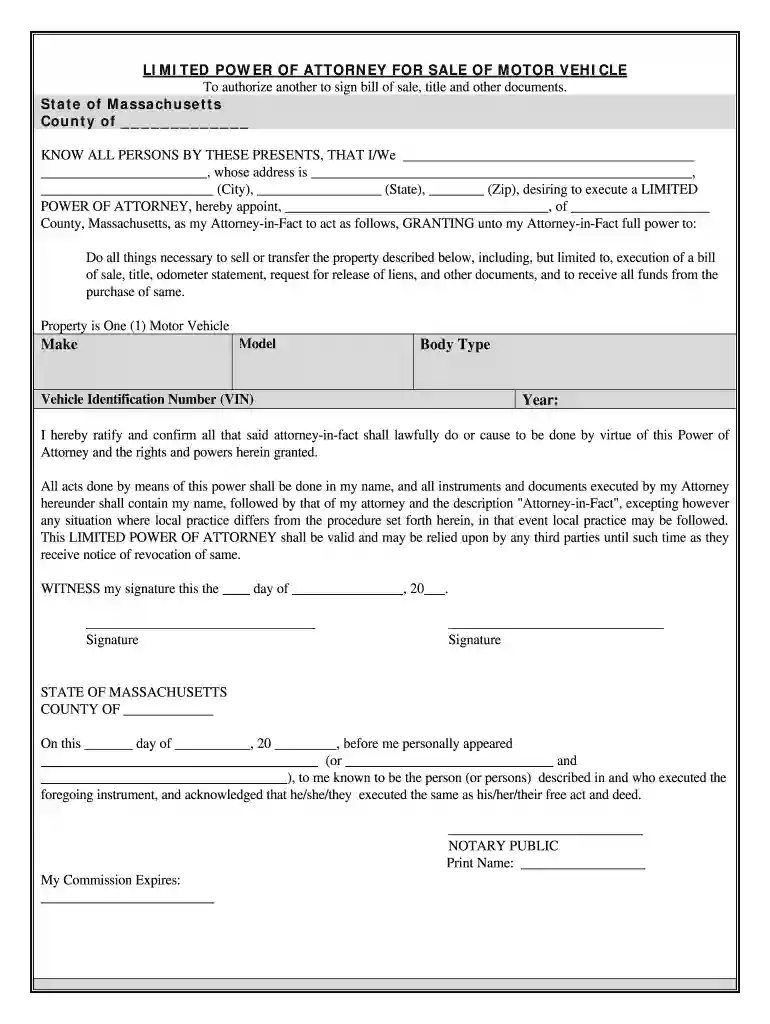
Type text, add images, blackout confidential details, add comments, highlights and more.

Draw your signature, type it, upload its image, or use your mobile device as a signature pad.

Send attorney power via email, link, or fax. You can also download it, export it or print it out.

Start using our platform today to easily fill out your vehicle massachusetts form for free!
At DocHub, your data security is our priority. We follow HIPAA, SOC2, GDPR, and other standards, so you can work on your documents with confidence.
The RMV is responsible for registering and inspecting motor vehicles, licensing drivers, and processing payments for traffic citations in Massachusetts.Read more
According to Massachusetts state law, all residents who will drive must obtain a Massachusetts drivers license. The Registry of Motor Vehicles (RMV) websiteRead more
Jan 10, 2017 PAB 2009 Ford Ranger. PAB 2009 Ford Fusion. PAB 2009 Mercury Milan. PAB 2009 Lincoln Zephyr/MKZ. PAB 2009 Ford Edge. PAB 2009 Lincoln MKX.Read more


