




01. Edit your free prescription pads for physicians online
Type text, add images, blackout confidential details, add comments, highlights and more.

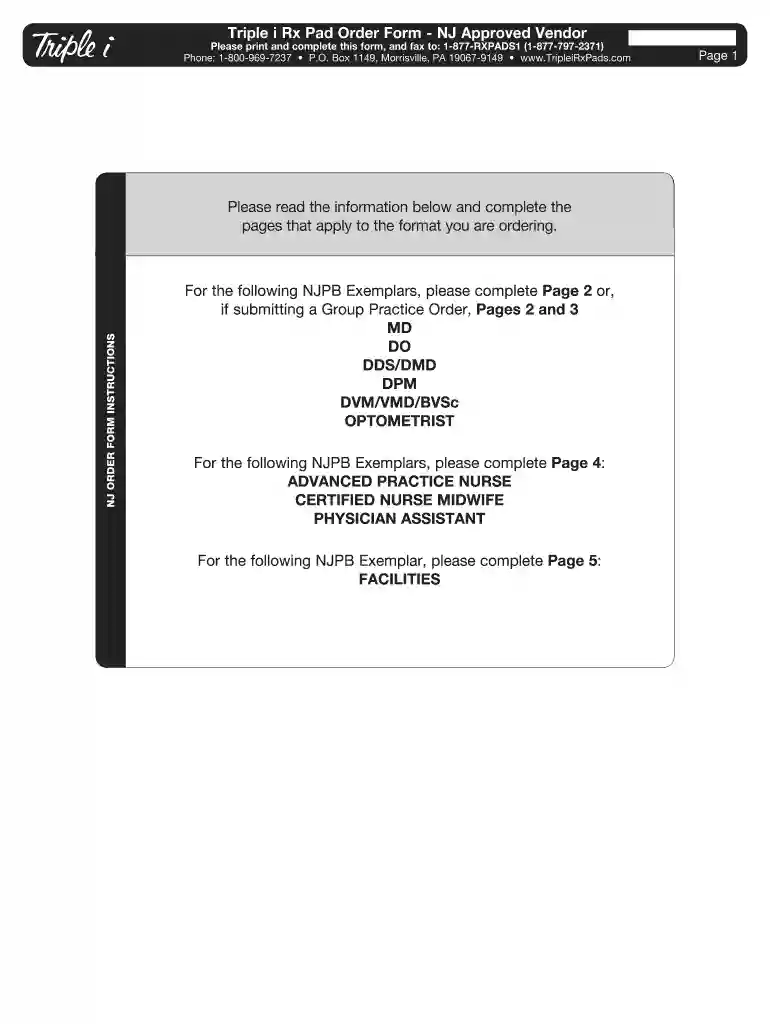
Type text, add images, blackout confidential details, add comments, highlights and more.

Draw your signature, type it, upload its image, or use your mobile device as a signature pad.

Send free prescription pads via email, link, or fax. You can also download it, export it or print it out.

Start using our platform today to streamline your prescription pad orders effortlessly!
At DocHub, your data security is our priority. We follow HIPAA, SOC2, GDPR, and other standards, so you can work on your documents with confidence.
No prescriber can afford to be a repeated victim of prescription fraud. This fact sheet suggests ways to keep prescription pads secure. It also suggests minimumRead more
Implementation Date for Tamper-Resistant Prescription Pads Extended to April 1, 2008 Important Message: Tamper-resistant Prescriptions Required EffectiveRead more
We offer White Label solutions where we can integrate our digital library into a hospitals branded prescription pads, calendars, or doctor ID cards.Read more


