




Here's how it works

01. Edit your click get form to open parties directly from the editor online
Type text, add images, blackout confidential details, add comments, highlights and more.

02. Sign it in a few clicks
Draw your signature, type it, upload its image, or use your mobile device as a signature pad.

03. Share your form with others
Send cal osha emergency phone number via email, link, or fax. You can also download it, export it or print it out.
How to use or fill out cal osha s 500 with our platform

- Click ‘Get Form’ to open the cal osha s 500 in the editor.
- Begin by filling out the emergency contact information. Enter details for ambulance, fire-rescue, hospital, physician, alternate contacts, and police. Ensure all fields are completed accurately for quick access during emergencies.
- Review the posting requirements as outlined by Title 8 Section 1512 (e). This section emphasizes the importance of having this information readily available in your workplace.
- Once all fields are filled, utilize our platform’s features to save your document. You can also sign it digitally if required and share it with relevant parties directly from the editor.
Start using our platform today to easily complete and manage your cal osha s 500 form for free!
Fill out cal osha s 500 online
It's free
Security and compliance
At DocHub, your data security is our priority. We follow HIPAA, SOC2, GDPR, and other standards, so you can work on your documents with confidence.
Learn more


Related forms
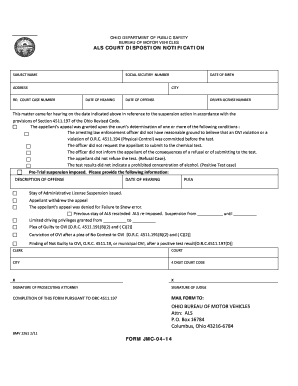
Ohio ALS Court Disposition Notification
The document is a notification from the Ohio Department of Public Safety's Bureau of Motor Vehicles regarding court disp ...
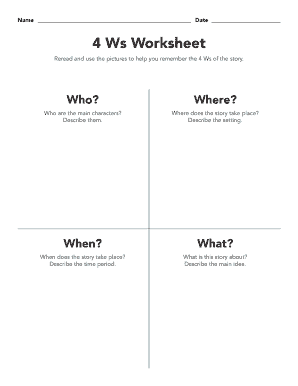
4 Ws Worksheet
The document is a worksheet designed to help readers analyze a story by identifying the 4 Ws: Who (main characters), Whe ...

SOAR Checklist for Initial Claims
The document is a SOAR checklist for initial claims, designed to ensure that all necessary forms and information are com ...
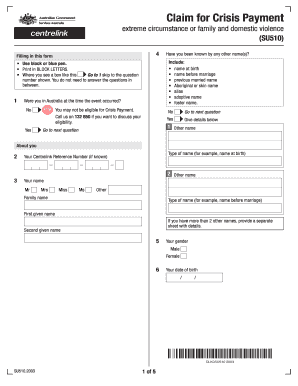
Claim for Crisis Payment
The document provides instructions for claiming a Crisis Payment from Centrelink for individuals experiencing severe fin ...

Room Condition Inventory Form
The document is a Room Condition & Inventory form from Bemidji State University's Department of Residential Life. It out ...

Virginia TANF Direct Deposit Authorization
The document outlines the Direct Deposit Enrollment Authorization for the Temporary Assistance for Needy Families (TANF) ...

Residential Purchase Contract
The document is a Residential Purchase Contract outlining the terms and conditions for the sale of a property between a ...

M-CHAT Autism Screening Form
The document is a form from WK Bossier Pediatric Partners that includes a Modified Checklist for Autism in Toddlers (M-C ...