




01. Edit your condition ward online
Type text, add images, blackout confidential details, add comments, highlights and more.

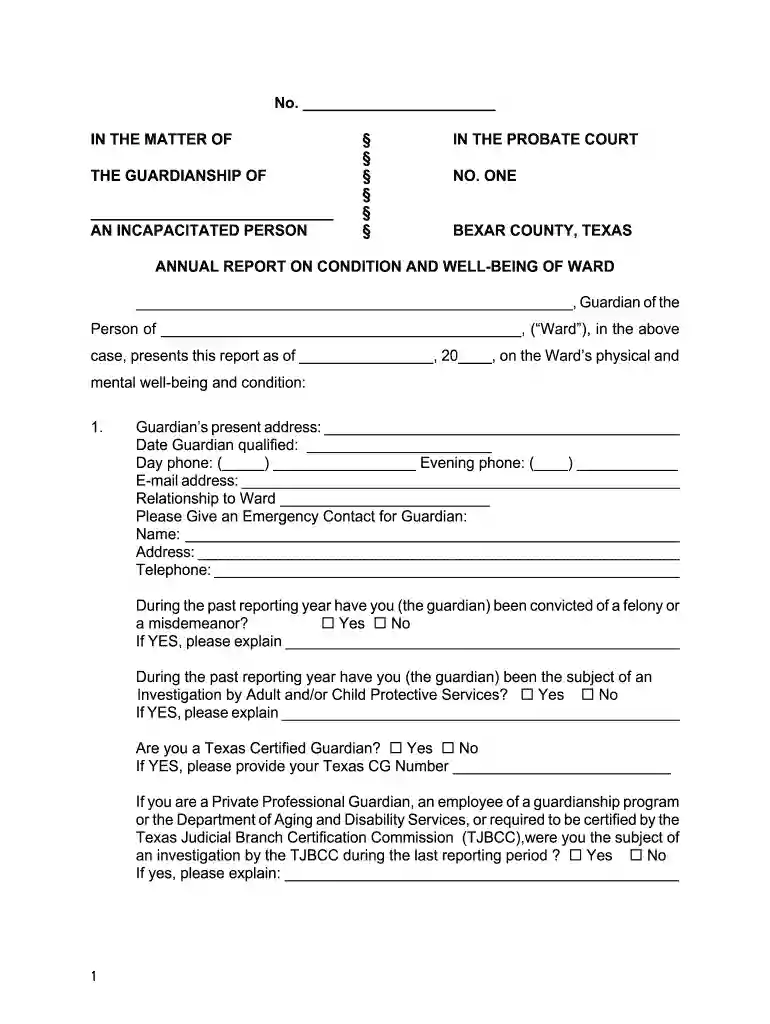
Type text, add images, blackout confidential details, add comments, highlights and more.

Draw your signature, type it, upload its image, or use your mobile device as a signature pad.

Send ward bexar county via email, link, or fax. You can also download it, export it or print it out.

Start using our platform today to streamline your document editing and ensure a smooth completion of your Texas Annual Condition Ward report!
At DocHub, your data security is our priority. We follow HIPAA, SOC2, GDPR, and other standards, so you can work on your documents with confidence.
(1) having physical possession of the ward; (2) caring for, supervising, and protecting the ward; (3) providing food, clothing, and shelter to the extentRead more
A guardian of the estate shall file an annual account conforming to the essential requirements of Section 1163.001 regarding changes in the estate assetsRead more
Texas, and Parsons Engineering Science, Inc. (Parsons ES). It is designed to facilitate proper evaluation of remedial alternatives including naturalRead more


