
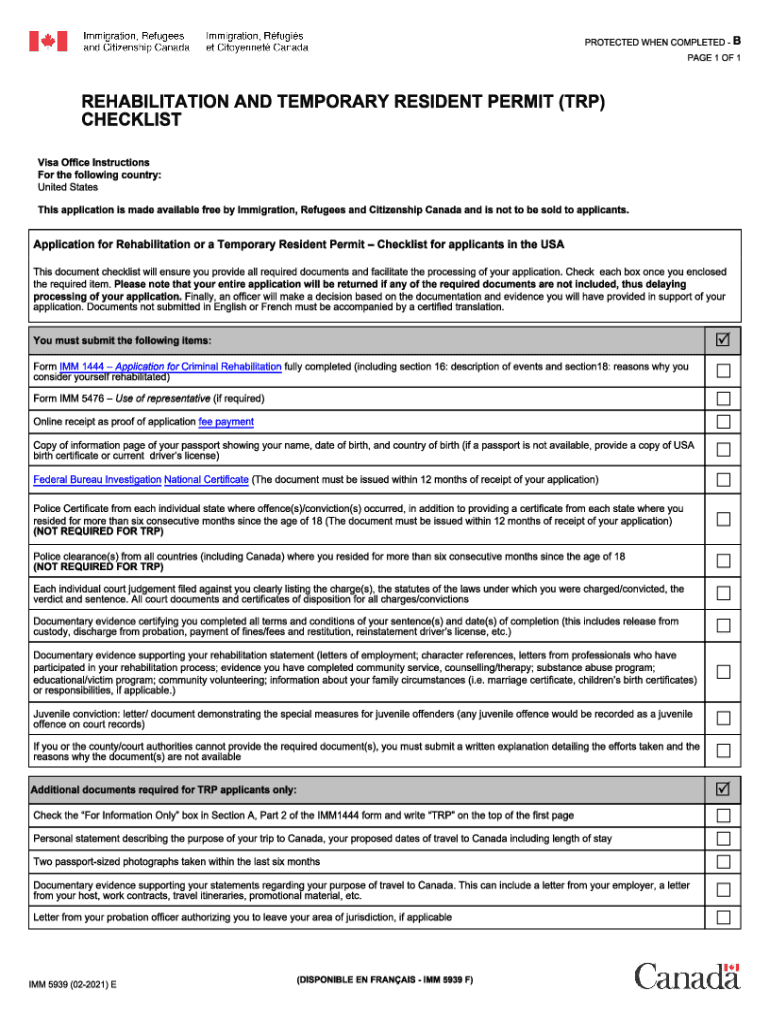







Definition and Meaning of Form Online
Using a form online refers to the digital version of forms traditionally filled out on paper. These forms are used for various purposes, including financial, legal, and administrative tasks. Filling out an online form allows users to input information directly into a digital interface, which modernizes document management by facilitating easier, faster, and more accurate data entry. Unlike traditional papers, these digital forms can often auto-populate fields, validate data entries for errors, and allow for seamless sharing and collaboration.
How to Use the Form Online
To use an online form, access the platform or service hosting the document. Once there, the typical process involves:
- Accessing the Form: Navigate to the website or application where the form is hosted. Ensure you have the necessary access or permissions.
- Filling Out the Form: Input the required information. Many platforms offer tools that simplify this process, such as drop-down menus, auto-fill, and real-time error checking.
- Reviewing Entries: Before submitting, review the entered information for accuracy and completeness.
- Submitting the Form: Submit your completed form following the provided instructions, which may include clicking a submission button or sending a verification email.
- Confirmation and Record Keeping: After submission, you often receive confirmation and an option to download or email the completed form for your records.
Steps to Complete the Form Online
Completing forms online often involves a structured step-by-step process:
- Preparation: Gather all necessary documents and information before beginning. This preparation minimizes disruptions during the form-filling process.
- Log In or Create an Account: Some forms require user authentication. Create an account if necessary or log into an existing one.
- Form Navigation: Use navigation aids like tabs and sections to move efficiently through the form. Many forms are broken into sections to make the process more manageable.
- Input Data: Follow instructions to enter the relevant information. Use integrated help features or guides if available.
- Validation: Use automatic error-checking features to identify and correct mistakes before proceeding.
- Submitting and Saving the Form: Submit the form by clicking the designated button. Make sure to save or download a copy if the platform allows.
Key Elements of the Form Online
Important elements that enhance the online form experience include:
- Interactive Fields: Textboxes, checkboxes, and dropdowns are used to gather structured data.
- Guidance and Help: Tooltips, FAQs, and live chat support can assist users in completing the form accurately.
- Security Features: SSL encryption, two-factor authentication, and data validation help secure user information.
- Customization Options: Users have the ability to customize fields for specific information needs, like moving or resizing boxes.
- Accessibility: Ensures the form is usable across devices and for individuals with disabilities.
Legal Use of the Form Online
Legally, online forms must comply with relevant regulations to ensure the authenticity and validity of the information collected:
- ESIGN Act Compliance: In the U.S., the ESIGN Act confirms that electronic signatures and records function as equivalently as their paper counterparts.
- Data Protection Laws: Online forms must adhere to privacy laws such as GDPR or HIPAA, depending on the information gathered.
- Verification Processes: It may require identity verification through methods such as OTPs or digital IDs.
Software Compatibility for Form Online
Compatibility with various software enhances the versatility and functionality of online forms:
- Integration with Productivity Tools: Sync with applications like Google Workspace allows seamless document management.
- Accounting Software: Platforms like QuickBooks can import data directly from online forms for streamlined financial reporting.
- File Format Support: The ability to export forms to DOC, XLS, PDF, or other common formats ensures easy sharing and printing.
State-Specific Rules for Form Online
Each state may have unique regulations regarding online forms:
- State Compliance: Understand specific state laws that impact the implementation and requirements of these forms, such as zoning regulations for business registrations.
- Format and Language Preferences: Some states may mandate particular formats or language requirements to make forms accessible to all residents.
- Different Processes: There may be variations in processing times or submission methods based on local government procedures.
Examples of Using the Form Online
Online forms are used across various domains:
- Tax Filing: Individuals use the IRS's online platforms to e-file tax returns.
- Business Applications: State-specific forms for registering LLCs or corporations.
- Student Enrollment: Educational institutions use online forms for admissions and registration purposes.
These examples illustrate the broad applicability and efficiency of online forms in modern workflows.




