




01. Edit your application licensing online
Type text, add images, blackout confidential details, add comments, highlights and more.

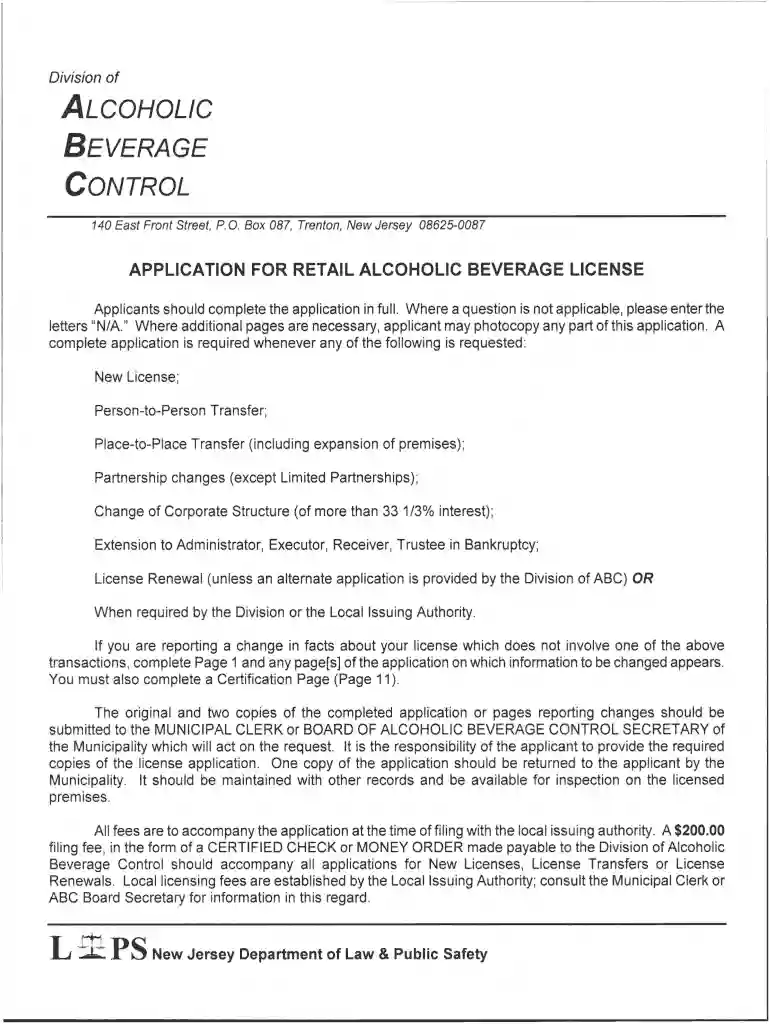
Type text, add images, blackout confidential details, add comments, highlights and more.

Draw your signature, type it, upload its image, or use your mobile device as a signature pad.

Send retail alcoholic beverage via email, link, or fax. You can also download it, export it or print it out.

Start using our platform today to fill out your nj liquor license application online for free!
At DocHub, your data security is our priority. We follow HIPAA, SOC2, GDPR, and other standards, so you can work on your documents with confidence.
GENERAL RULE OF THUMB: if there is change of money anytime other than the original purchase of the alcohol at the liquor store there needs to be a license.Read more
Sep 1, 2019 The current CDART application is an intranet application only available to Commonwealth agencies, PSP headquarters, and the MetropolitanRead more
A $200.00 filing fee, in the form of CERTIFIED CHECK or MONEY ORDER payable to the Division of Alcoholic Beverage Control should accompany all applicationsRead more


