




01. Edit your form online
Type text, add images, blackout confidential details, add comments, highlights and more.

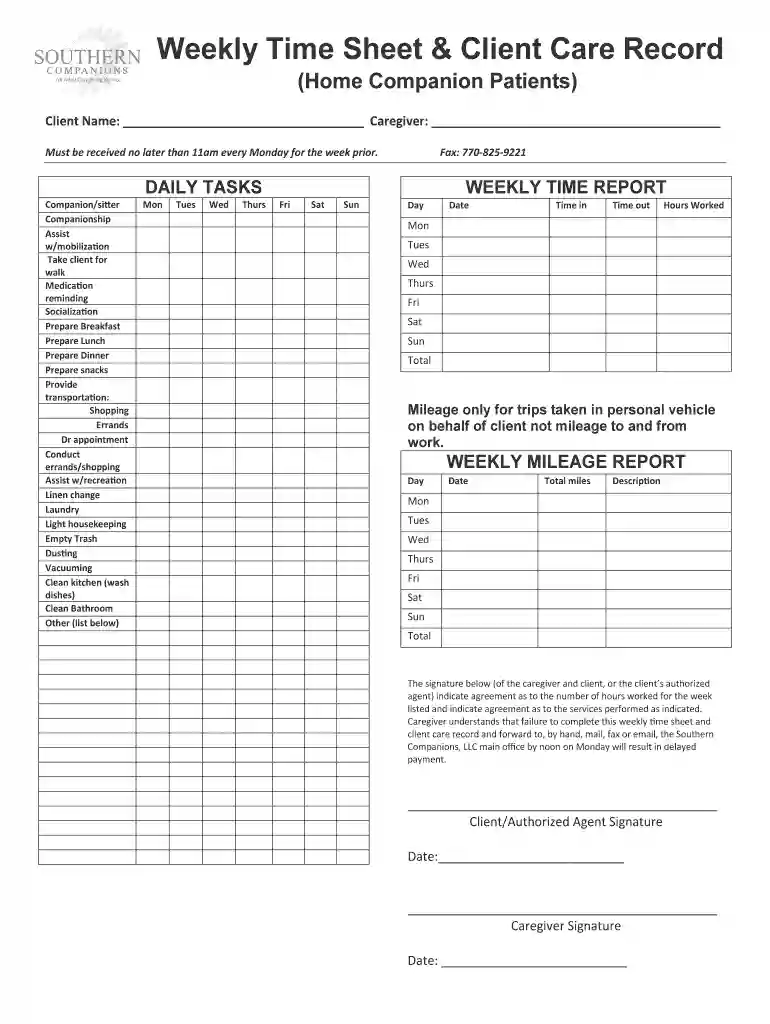
Type text, add images, blackout confidential details, add comments, highlights and more.

Draw your signature, type it, upload its image, or use your mobile device as a signature pad.

Send it via email, link, or fax. You can also download it, export it or print it out.

Start using our platform today to streamline your document editing and ensure timely submissions!
Sure, a typed name is recognized as a legitimate electronic signature when you create it on your document utilizing a compliant solution like DocHub. Simply import your weekly time amp template to our editor, click Sign in the top tool pane → Create your signature → Type your name in the appropriate tab, and choose how it will look on your document.
As a comprehensive document modifying platform, DocHub is available on mobile phones. Open DocHub in your choice of mobile internet browser and employ our intelligent mobile-friendly toolset to fill out your weekly time amp template.
At DocHub, your data security is our priority. We follow HIPAA, SOC2, GDPR, and other standards, so you can work on your documents with confidence.
Offer Letter Templates. AMP Time Limited Offer Letter, This template is used for new employees hired into AMP time-limited or grant funded positions. SP TimeRead more
AMP Monitoring Plan Template Page implementation phase of an AMP (i.e., watershed-scale monitoring). State the frequency of sampling per parameter. First week


