




01. Edit your ta6 form online
Type text, add images, blackout confidential details, add comments, highlights and more.

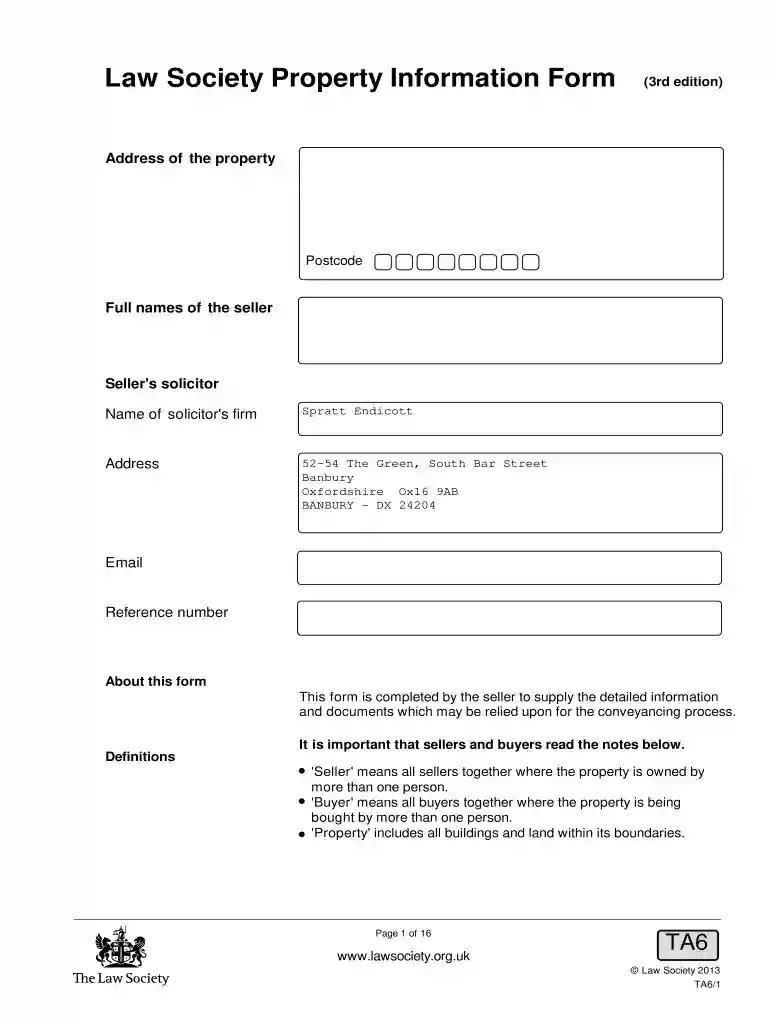
Type text, add images, blackout confidential details, add comments, highlights and more.

Draw your signature, type it, upload its image, or use your mobile device as a signature pad.

Send form ta6 via email, link, or fax. You can also download it, export it or print it out.

Start using our platform today to streamline your document editing and ensure a smooth property transaction!
At DocHub, your data security is our priority. We follow HIPAA, SOC2, GDPR, and other standards, so you can work on your documents with confidence.
An easy way to record this information is to copy your cards on a copy machine. Vehicles owned cars, trucks, motorcycles, bicycles, etc.Read more
Property Information Form. Address: Size: Total Acreage: Estimated Developable Acres: Current Zoning: Locality Description of Current Zoning: Original/MostRead more
THIS FORM SERVES THE PURPOSE OF IDENTIFYING THE CONTRACTOR HIRED TO PERFORM CONSTRUCTION ON BEHALF OF THE PROPERTY. OWNER(S).Read more


