




01. Edit your paw registration online
Type text, add images, blackout confidential details, add comments, highlights and more.

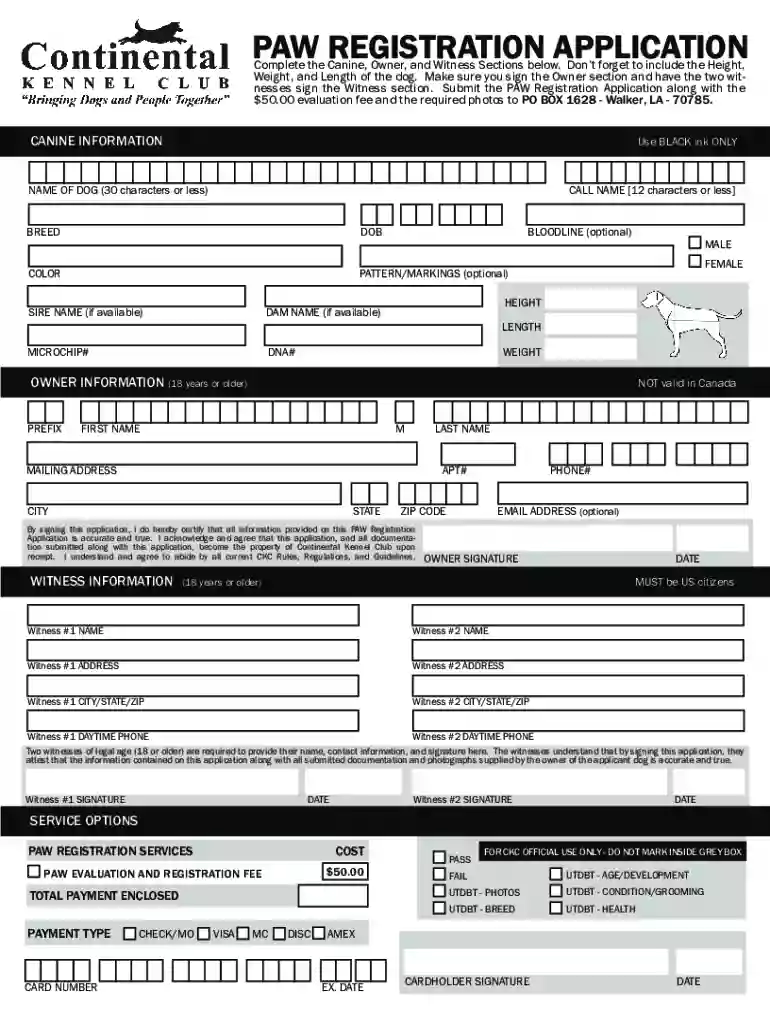
Type text, add images, blackout confidential details, add comments, highlights and more.

Draw your signature, type it, upload its image, or use your mobile device as a signature pad.

Send paw registration form via email, link, or fax. You can also download it, export it or print it out.

Start your PAW registration process today using our platform for free!
At DocHub, your data security is our priority. We follow HIPAA, SOC2, GDPR, and other standards, so you can work on your documents with confidence.
Jun 16, 2023 Registration. Users may have guilds with a minimum of one member up to a maximum of fifty members. Each guild has its own private forum andRead more
The Short Course provides basic information on planning in Washington through in-person trainings and webinars hosted by Commerce.Read more
Each semester, you are given are given an enrollment appointment date and time. You can find your enrollment appointment in My Hartnell via PAWS Self Serve.Read more


