




01. Edit your performance rating form online
Type text, add images, blackout confidential details, add comments, highlights and more.

Type text, add images, blackout confidential details, add comments, highlights and more.

Draw your signature, type it, upload its image, or use your mobile device as a signature pad.

Send performance rating form sample via email, link, or fax. You can also download it, export it or print it out.

Start using our platform today to streamline your ICS 225 form completion for free!
At DocHub, your data security is our priority. We follow HIPAA, SOC2, GDPR, and other standards, so you can work on your documents with confidence.
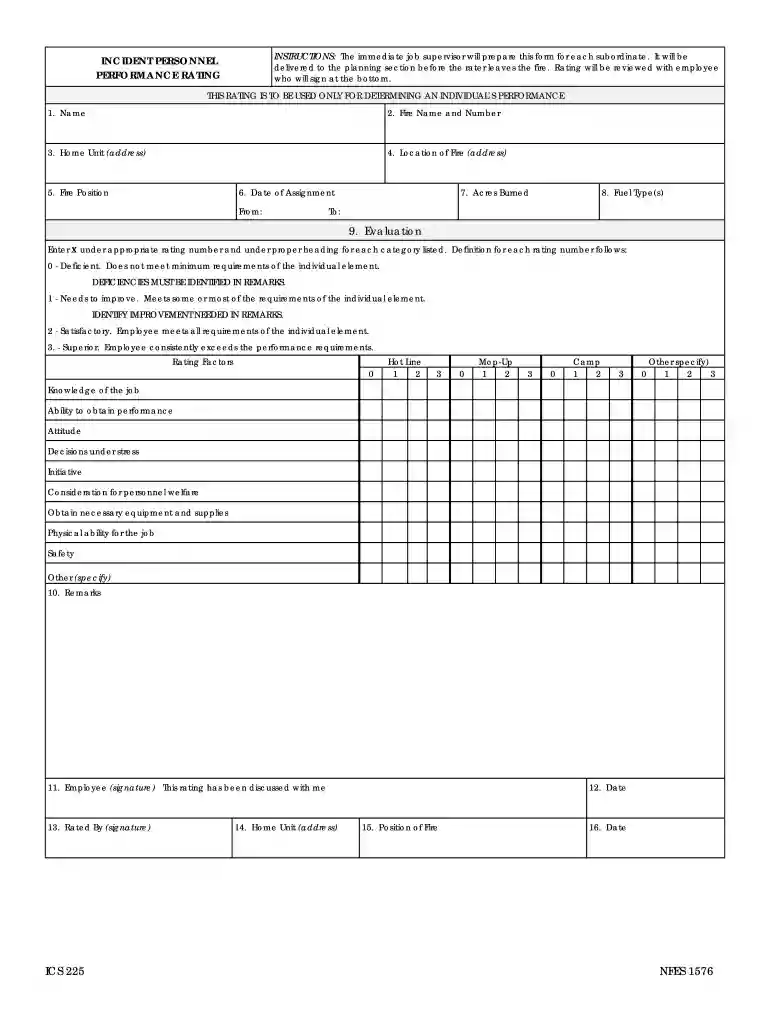
The Incident Personnel Performance Rating (ICS 225) gives supervisors the opportunity to evaluate subordinates on incident assignments. THIS RATING IS TO BERead more
Provides an introduction to cryptocurrencies, blockchain technology, smart contracts and distributed applications (DApps). Topics include the origins of theRead more
Congratulations on choosing a SUBARU vehicle. This Owners Man- ual has all the information necessary to keep your SUBARU in excel-.Read more


