




01. Edit your trimet lift application online
Type text, add images, blackout confidential details, add comments, highlights and more.

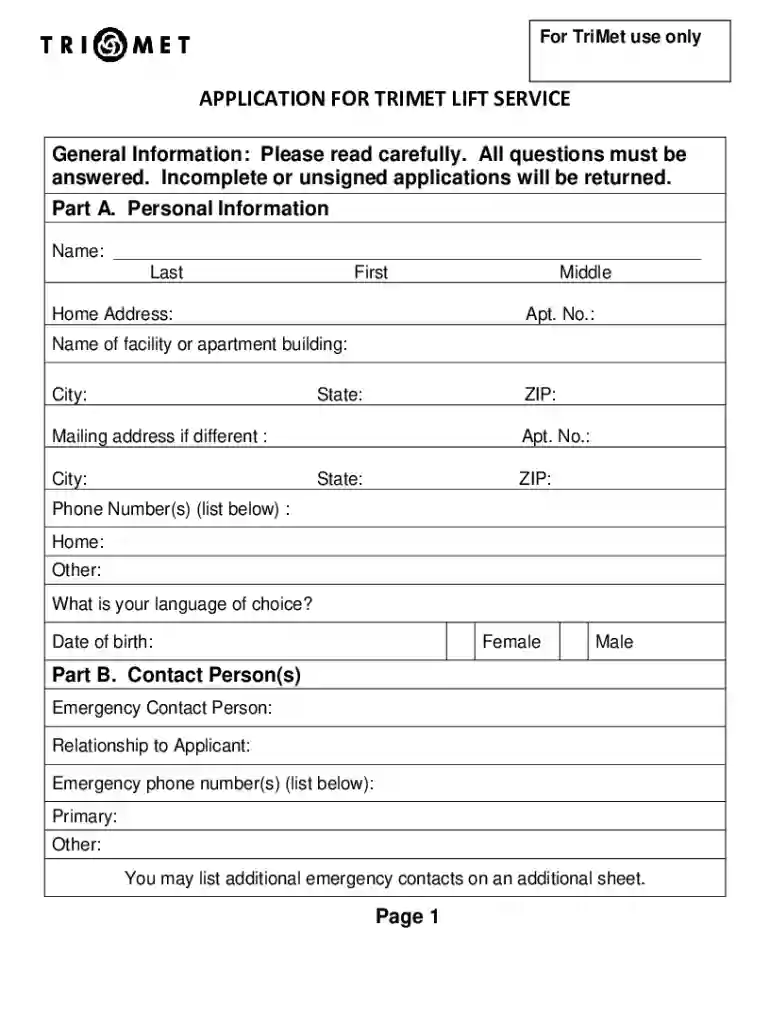
Type text, add images, blackout confidential details, add comments, highlights and more.

Draw your signature, type it, upload its image, or use your mobile device as a signature pad.

Send trimet lift via email, link, or fax. You can also download it, export it or print it out.

Start using our platform today to easily fill out your TriMet LIFT application online for free!
eSignatures are a perfect replacement for traditional signing, as they save time, effort, and money people spend on printing, scanning, and paper delivery. You can electronically sign your trimet lift application pdf using a reliable and robust online document processing tool like DocHub. It complies with major eSignature standards (ESIGN and UETA), so all forms approved there are legally binding and have the same validity as physically signed ones.
You can easily edit fill out your trimet lift scheduling on any iOS gadget. Open an internet browser of your choice, visit the DocHub site, authorize or create a new account, add your file for editing, and make your required adjustments. Our service is mobile-friendly, so utilizing its features on your phone will be a no-brainer, even on the first try.
At DocHub, your data security is our priority. We follow HIPAA, SOC2, GDPR, and other standards, so you can work on your documents with confidence.
The TriMet LIFT eligibility determination process includes: 1. Submission of a completed application and signed Medical Release Form,. 2. ProfessionalRead more
Eligibility: LIFT is available for individuals who qualify under the Americans with Disabilities Act (ADA) due to a disability that prevents them from usingRead more


