




01. Edit your annexure e for passport online
Type text, add images, blackout confidential details, add comments, highlights and more.

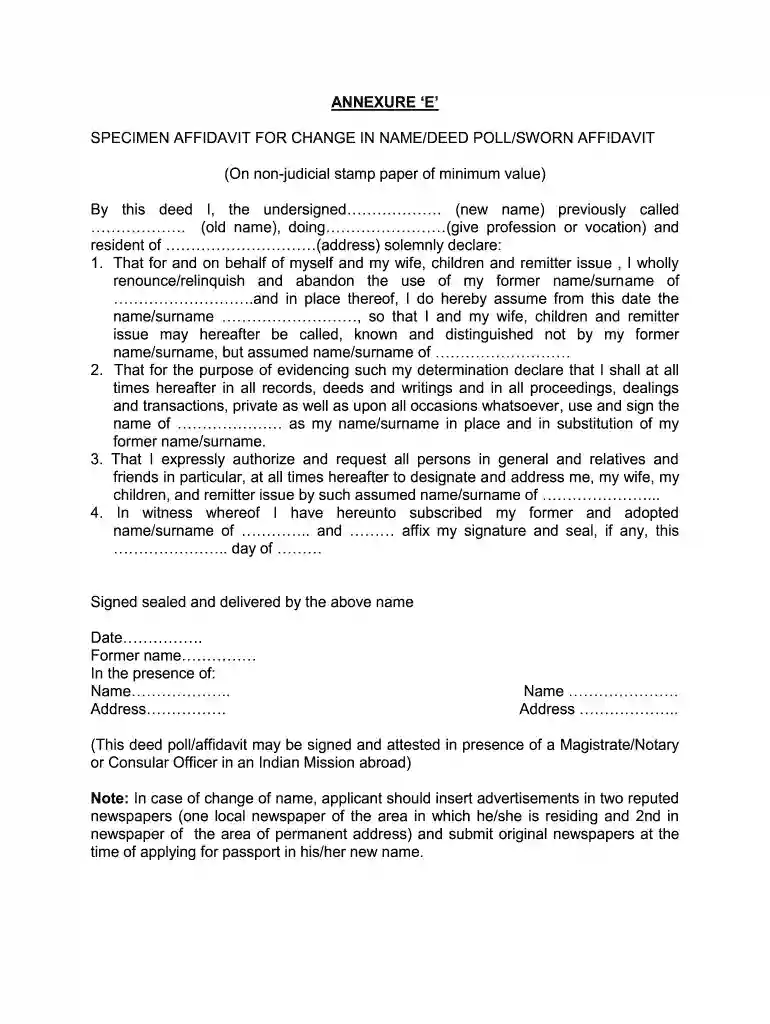
Type text, add images, blackout confidential details, add comments, highlights and more.

Draw your signature, type it, upload its image, or use your mobile device as a signature pad.

Send indian passport renewal annexure e via email, link, or fax. You can also download it, export it or print it out.

Start using our platform today to fill out your annexure E effortlessly and for free!
At DocHub, your data security is our priority. We follow HIPAA, SOC2, GDPR, and other standards, so you can work on your documents with confidence.
Country of Citizenship (as in passport):. Passport Number: Study Programme. Page 2. Passport Issue date: (DD/MM/YY). Passport Expiry Date: (DD/MM/YY). PermanentRead more
and names of drivers and their mobile phone numbers along with passport size photo shall be given to CC/E/BCHL before commencement of the work. The driversRead more
Minimum 07 days before embarkation, the application form (Annexure 1.1) will be submitted through email / physically by the applicant. 2. After examining theRead more


