




01. Edit your maryland judiciary case search disclaimer online
Type text, add images, blackout confidential details, add comments, highlights and more.

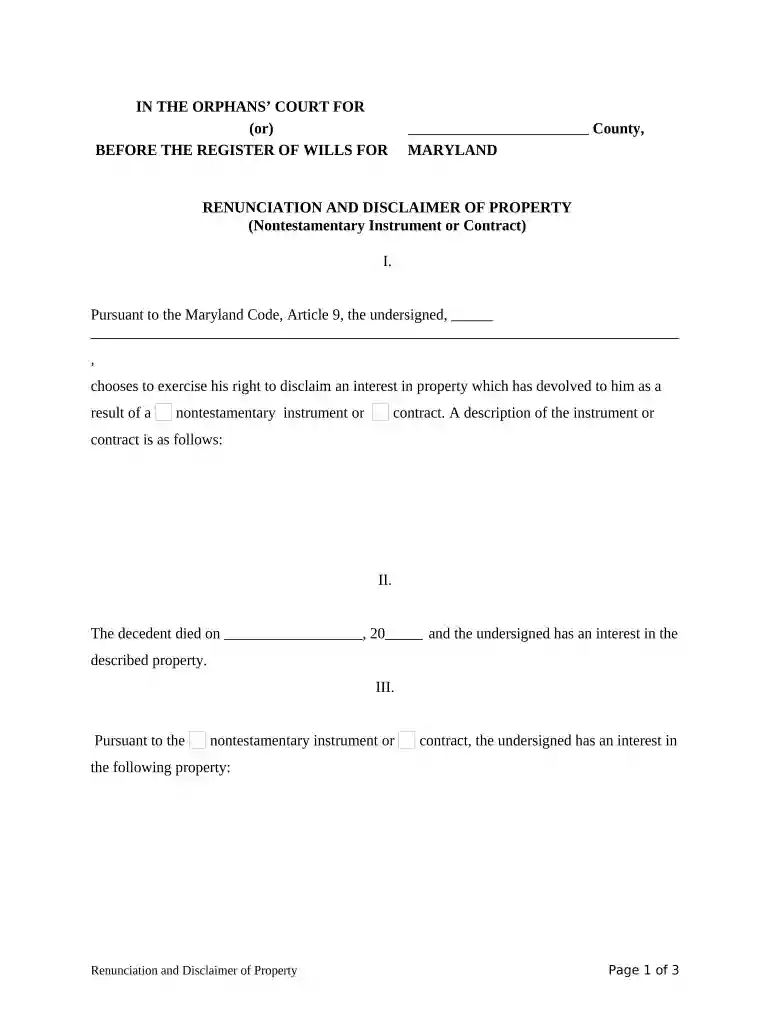
Type text, add images, blackout confidential details, add comments, highlights and more.

Draw your signature, type it, upload its image, or use your mobile device as a signature pad.

Send case search maryland via email, link, or fax. You can also download it, export it or print it out.

Start using our platform today to fill out your Maryland Disclaimer easily and for free!
At DocHub, your data security is our priority. We follow HIPAA, SOC2, GDPR, and other standards, so you can work on your documents with confidence.
A. A disclaimer of affiliation or a request for termination of registration claiming that a person does not, or will not upon the taking of some proposedRead more
NOTICE TO SELLERS: Complete and sign this statement only if you elect to disclose defects, including latent defects, or other information about the condition ofRead more


