01. Edit your how to file a no trespass order online
Type text, add images, blackout confidential details, add comments, highlights and more.
02. Sign it in a few clicks
Draw your signature, type it, upload its image, or use your mobile device as a signature pad.
03. Share your form with others
Send mississippi trespassing laws via email, link, or fax. You can also download it, export it or print it out.
How to use or fill out Mississippi Trespass with our platform
Ease of Setup
DocHub User Ratings on G2
Ease of Use
DocHub User Ratings on G2
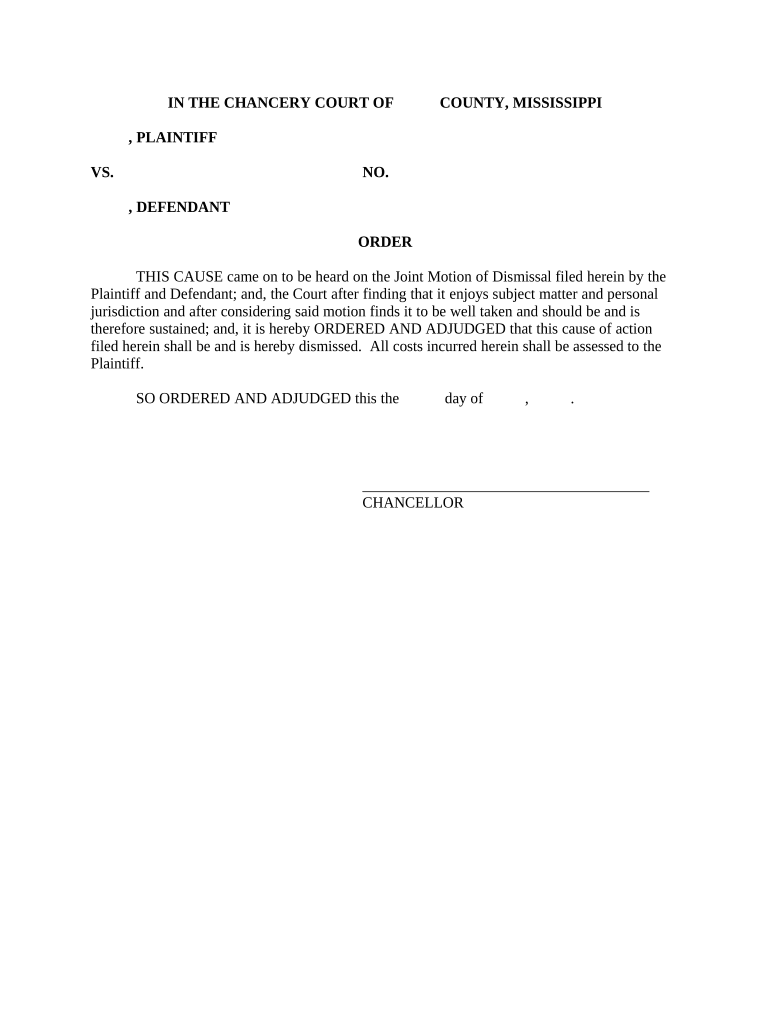
Click ‘Get Form’ to open the Mississippi Trespass document in the editor.
Begin by entering the name of the Plaintiff and Defendant in the designated fields at the top of the form. Ensure that all names are spelled correctly to avoid any legal issues.
In the section labeled 'Order', provide details regarding the motion for dismissal. This includes specifying whether it is a joint motion and confirming that both parties agree to this action.
Fill in the date when this order is being issued, ensuring accuracy as this may be important for court records.
Finally, sign off on the document by adding your name and title where indicated, typically at the bottom of the form. If you are using our platform, you can easily add your signature electronically.
Start using our platform today to fill out your Mississippi Trespass form online for free!
Trespassers are those people who come on to your land without permission; they are not supposed to be there. What can you do about trespassers?Read more
Nov 4, 2019 Mississippi Commodities Enforcement Act;Penalties for Willful Violations Trespass after notice of non-permission. 97-17-85. Misdemeanor.Read more
Cookie consent notice
This site uses cookies to enhance site navigation and personalize your experience.
By using this site you agree to our use of cookies as described in our Privacy Notice.
You can modify your selections by visiting our Cookie and Advertising Notice.