




01. Edit your form online
Type text, add images, blackout confidential details, add comments, highlights and more.

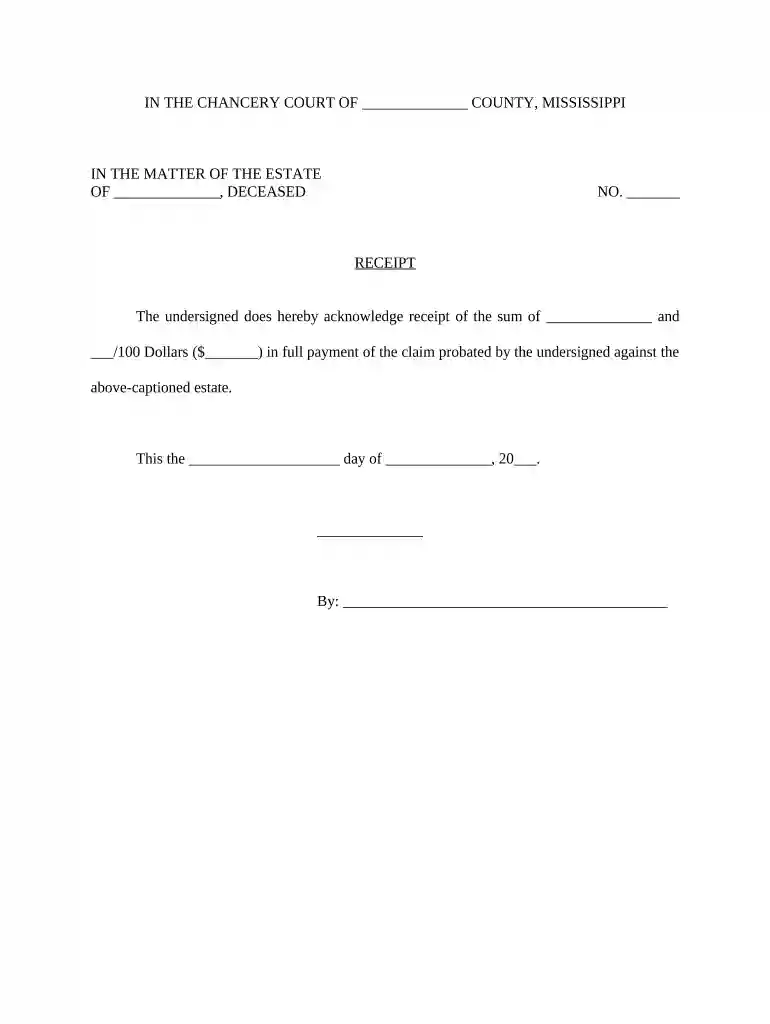
Type text, add images, blackout confidential details, add comments, highlights and more.

Draw your signature, type it, upload its image, or use your mobile device as a signature pad.

Send it via email, link, or fax. You can also download it, export it or print it out.

Start using our platform today for free to streamline your Mississippi claim process!
At DocHub, your data security is our priority. We follow HIPAA, SOC2, GDPR, and other standards, so you can work on your documents with confidence.
To obtain a claim history, submit an Authorization to Release Information or a written request via email, fax or mail from individual that explicitly givesRead more
How do I make a claim? Beginning your search is as easy as 1-2-3! Click here. Type your agencys name into the Unclaimed Property search box. Click Go! HowRead more
How to appeal an insurance denial in Mississippi: step-by-step guidance based on state law, including timelines, forms, and where to file.


