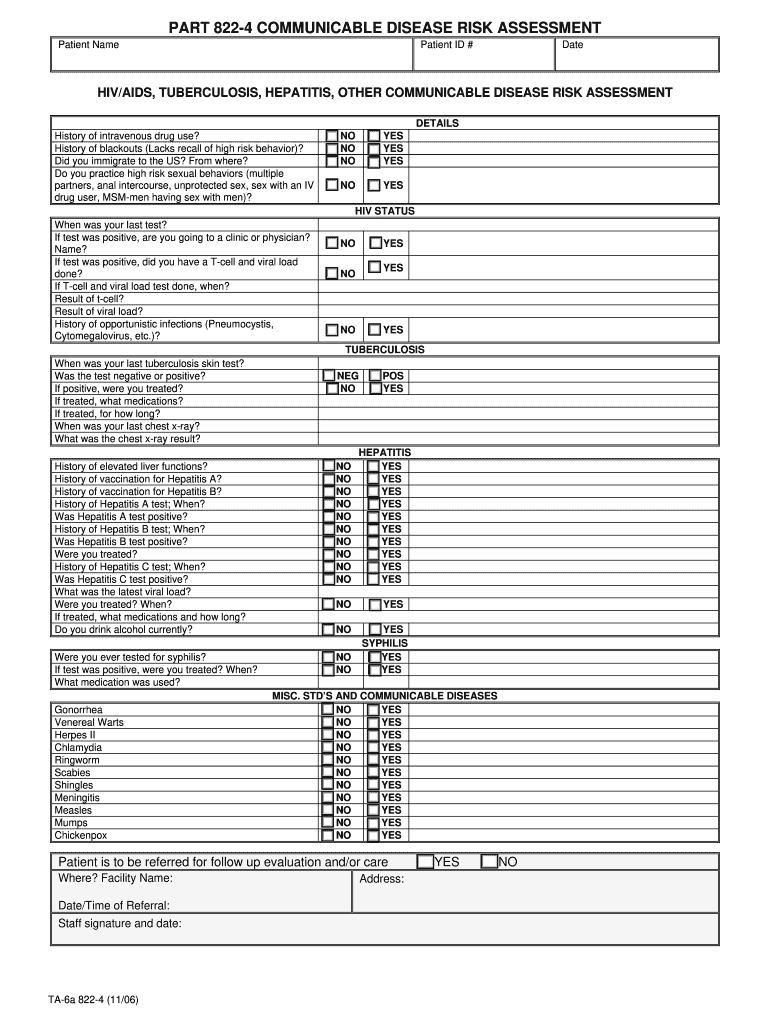
Start using our platform today to easily complete your oasas communicable disease risk assessment for free!
Approving paperwork on a mobile device is fast, simple, and doesn’t require software installation when you have an account with DocHub. Sign in from any browser, complete your empty fields with your data, and click on Sign → Create your signature. You can draw your electronic signature the same way you usually do on paper, add its image to your oasas 822 regulations 2023, or type in your name and stylize its look. Whatever option you select, your form will be valid.
You can complete and eSign your oasas 822 regulations faq online, even on a tight deadline. All you need to access top-notch editing tools on any device is a DocHub account, which you can sign up in a couple of moments. Once you register, upload your file or find what you are searching for in our catalog, complete it utilizing the editing tools you want, and place your electronic signature on it at the end.
At DocHub, your data security is our priority. We follow HIPAA, SOC2, GDPR, and other standards, so you can work on your documents with confidence.
Learn more