




01. Edit your form online
Type text, add images, blackout confidential details, add comments, highlights and more.

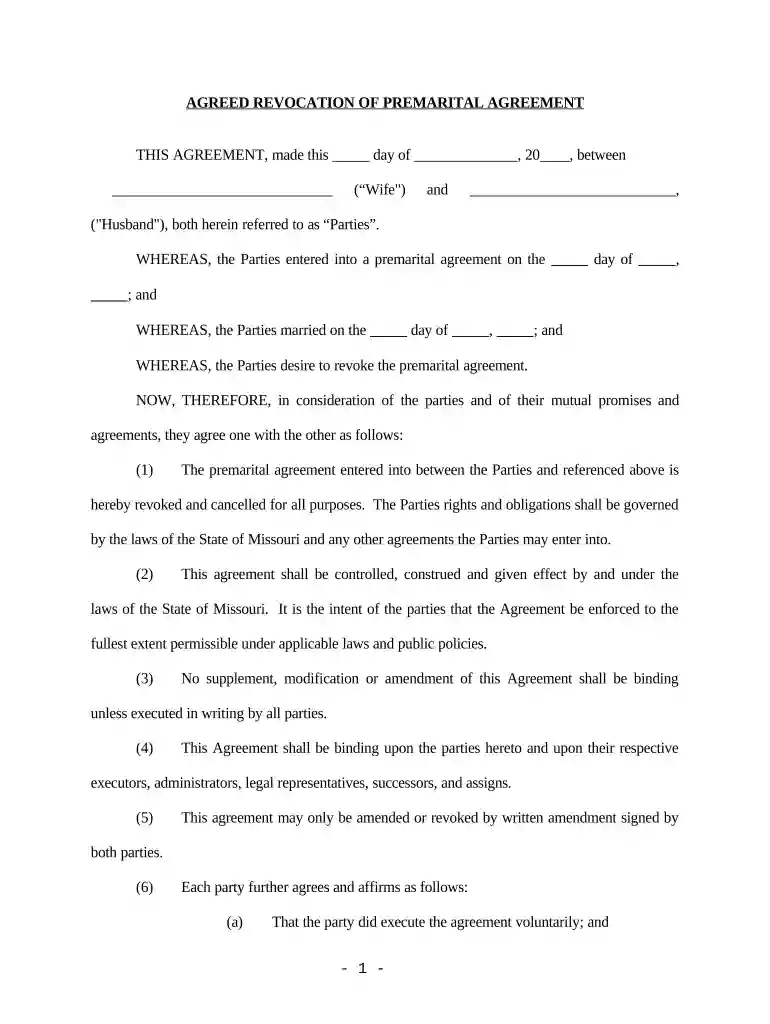
Type text, add images, blackout confidential details, add comments, highlights and more.

Draw your signature, type it, upload its image, or use your mobile device as a signature pad.

Send it via email, link, or fax. You can also download it, export it or print it out.

Start using our platform today to easily complete your Revocation of Premarital or Prenuptial Agreement online for free!
At DocHub, your data security is our priority. We follow HIPAA, SOC2, GDPR, and other standards, so you can work on your documents with confidence.
revoking a previous release. The custodial parent should also check the divorce agreement regarding any requirements for the release. FAMILY TAX CREDITS 24.Read more
After a marriage, a premarital agreement may be 2 amended or revoked only by a written agreement signed by the 3 parties. The amended agreement or the
by E Carter 2016 Cited by 42 Accordingly, the Court holds that one attorney may not represent, nor purport to counsel, both parties to a prenuptial agreement. [t]heRead more


