Type text, add images, blackout confidential details, add comments, highlights and more.
02. Sign it in a few clicks
Draw your signature, type it, upload its image, or use your mobile device as a signature pad.
03. Share your form with others
Send it via email, link, or fax. You can also download it, export it or print it out.
How to use or fill out Pennsylvania Judgment with our platform
Ease of Setup
DocHub User Ratings on G2
Ease of Use
DocHub User Ratings on G2
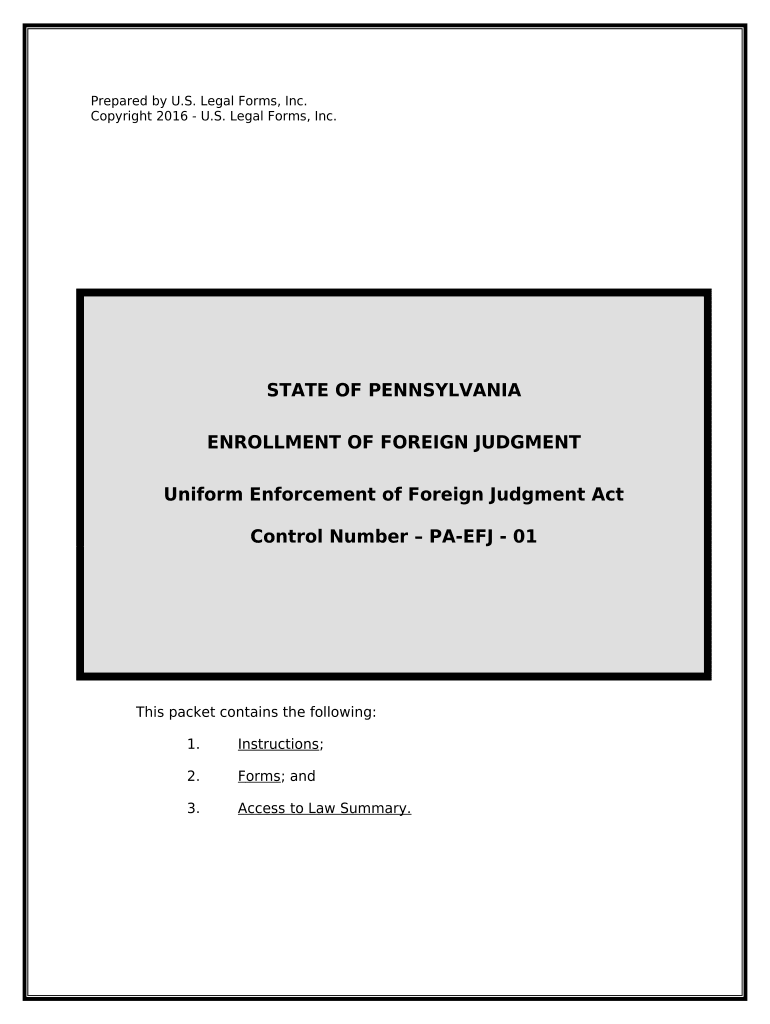
Click ‘Get Form’ to open the Pennsylvania Judgment document in the editor.
Begin by reviewing the instructions provided within the form. Familiarize yourself with the requirements for enrolling a foreign judgment, ensuring you have all necessary documents ready.
Fill out the 'Affidavit in Support of Request to Enroll Foreign Judgment' section. Enter your name, role (Plaintiff or Attorney), and provide the last known address of both the Judgment Debtor and Creditor.
Complete the 'Request for Enrollment of Foreign Judgment' section by entering details such as the date of judgment, court information, and amounts owed. Ensure that all fields are accurately filled to avoid delays.
Finally, review your entries for accuracy. Use our platform's features to save your progress and make any necessary edits before finalizing your document.
Start using our platform today to streamline your Pennsylvania Judgment process for free!
42 Pa cs 8101How to collect on a judgement in PAPA Superior Court opinionsPa Superior Court Argument listWrit of Execution PennsylvaniaHow to stop a writ of execution in PAPa Superior Court docket Search
Security and compliance
At DocHub, your data security is our priority. We follow HIPAA, SOC2, GDPR, and other standards, so you can work on your documents with confidence.
The seller may then obtain a monetary judgment against the corporate buyer only to learn that the corporation no longer has any assets to satisfy the judgment.Read more
Cookie consent notice
This site uses cookies to enhance site navigation and personalize your experience.
By using this site you agree to our use of cookies as described in our Privacy Notice.
You can modify your selections by visiting our Cookie and Advertising Notice.