




01. Edit your dot air brake repair certification online free online
Type text, add images, blackout confidential details, add comments, highlights and more.

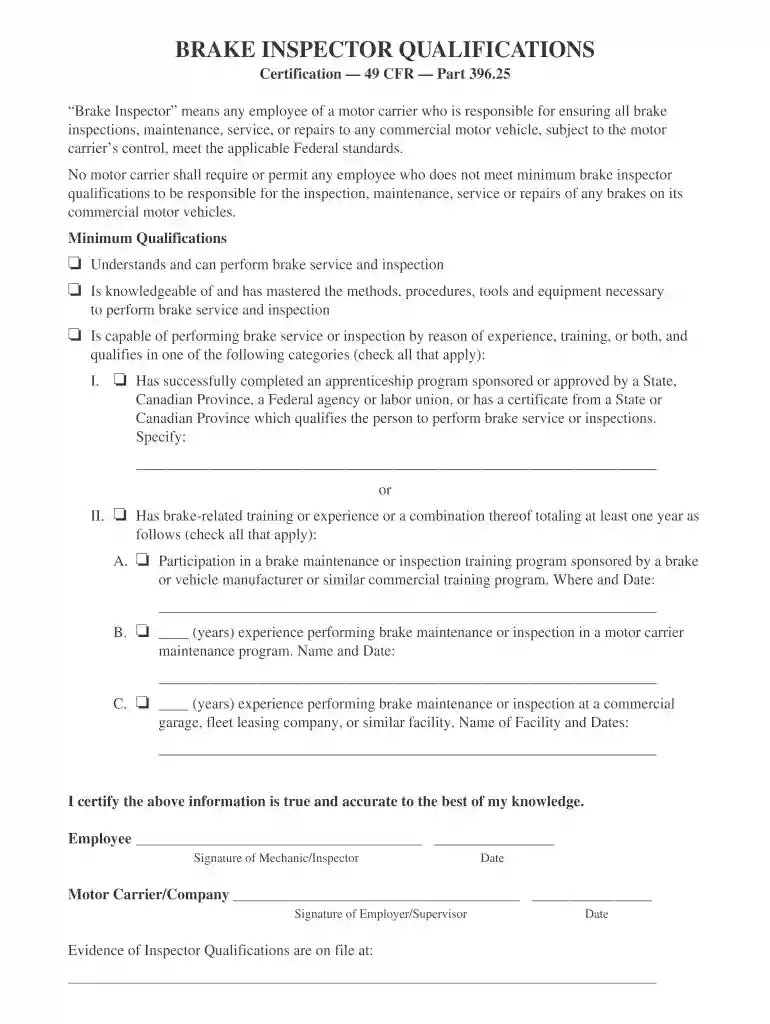
Type text, add images, blackout confidential details, add comments, highlights and more.

Draw your signature, type it, upload its image, or use your mobile device as a signature pad.

Send fleetpride air brake certification via email, link, or fax. You can also download it, export it or print it out.

Start using our platform today to fill out your dot air brake repair certification online for free!
At DocHub, your data security is our priority. We follow HIPAA, SOC2, GDPR, and other standards, so you can work on your documents with confidence.
Service brakes, including air hose couplings (if your bus has a trailer or semitrailer). Parking brake. Steering mechanism. Lights and reflectors. TiresRead more
In the Diesel Brakes course topic, students receive an in-depth introduction to brake systems, including brake theory, the foundational types of brakes and anRead more
□Participation in a brake maintenance or inspection training program sponsored by a brake or vehicle manufacturer or similar commercial training program.Read more


