Type text, add images, blackout confidential details, add comments, highlights and more.
02. Sign it in a few clicks
Draw your signature, type it, upload its image, or use your mobile device as a signature pad.
03. Share your form with others
Send it via email, link, or fax. You can also download it, export it or print it out.
How to Use or Fill Out Courtroom with Our Platform
Ease of Setup
DocHub User Ratings on G2
Ease of Use
DocHub User Ratings on G2
Click ‘Get Form’ to open the courtroom document in the editor.
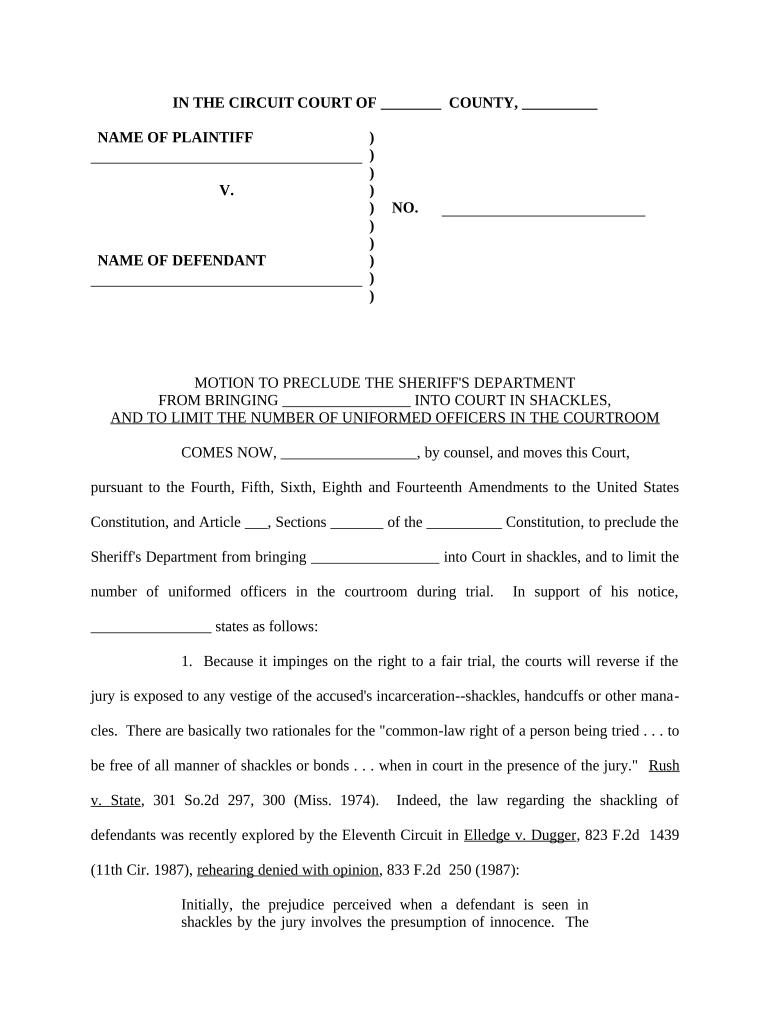
Begin by filling in the 'NAME OF PLAINTIFF' and 'NAME OF DEFENDANT' fields at the top of the form. Ensure that you enter accurate names as these are crucial for identification in court.
In the section labeled 'MOTION TO PRECLUDE THE SHERIFF'S DEPARTMENT', clearly state your motion. This is where you articulate your request regarding shackling and uniformed officers present during the trial.
Provide supporting statements in the designated area. Reference relevant amendments and legal precedents that support your motion, ensuring clarity and precision in your arguments.
Complete the signature section at the bottom of the form, including your name and title as 'Attorney for Defendant'. Make sure to date it appropriately.
Finally, review all entries for accuracy before saving or exporting your completed document for submission.
Start using our platform today to streamline your courtroom document preparation!
Role of the Judge and Other Courtroom Participants
The Judge. The judge presides over the trial from a desk, called a bench, on an elevated platform. The judge has five basic tasks. The first is simply toRead more
Cookie consent notice
This site uses cookies to enhance site navigation and personalize your experience.
By using this site you agree to our use of cookies as described in our Privacy Notice.
You can modify your selections by visiting our Cookie and Advertising Notice.