




01. Edit your form online
Type text, add images, blackout confidential details, add comments, highlights and more.

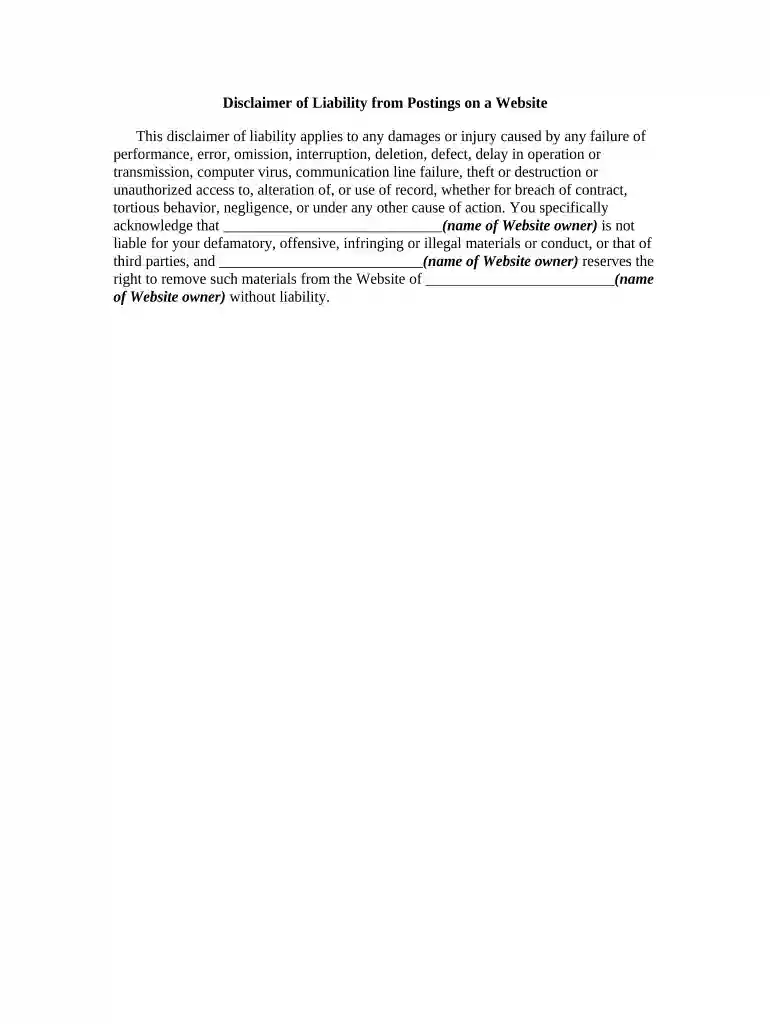
Type text, add images, blackout confidential details, add comments, highlights and more.

Draw your signature, type it, upload its image, or use your mobile device as a signature pad.

Send it via email, link, or fax. You can also download it, export it or print it out.

Start using our platform today to easily fill out and manage your disclaimer liability forms for free!
At DocHub, your data security is our priority. We follow HIPAA, SOC2, GDPR, and other standards, so you can work on your documents with confidence.




The department makes no claims, promises, or guarantees about the accuracy, completeness, or adequacy of the contents of this site, and expressly disclaimsRead more
We disclaim all liability and responsibility arising from any reliance placed on such materials by you or any other visitor to the Content, or by anyone who mayRead more
IU is not liable for personal injury, illness, or any other condition or effect (including an injury, illness, condition, or effect that is caused by criminal


