




01. Edit your motion to suppress exclude evidence dismiss and severance online
Type text, add images, blackout confidential details, add comments, highlights and more.

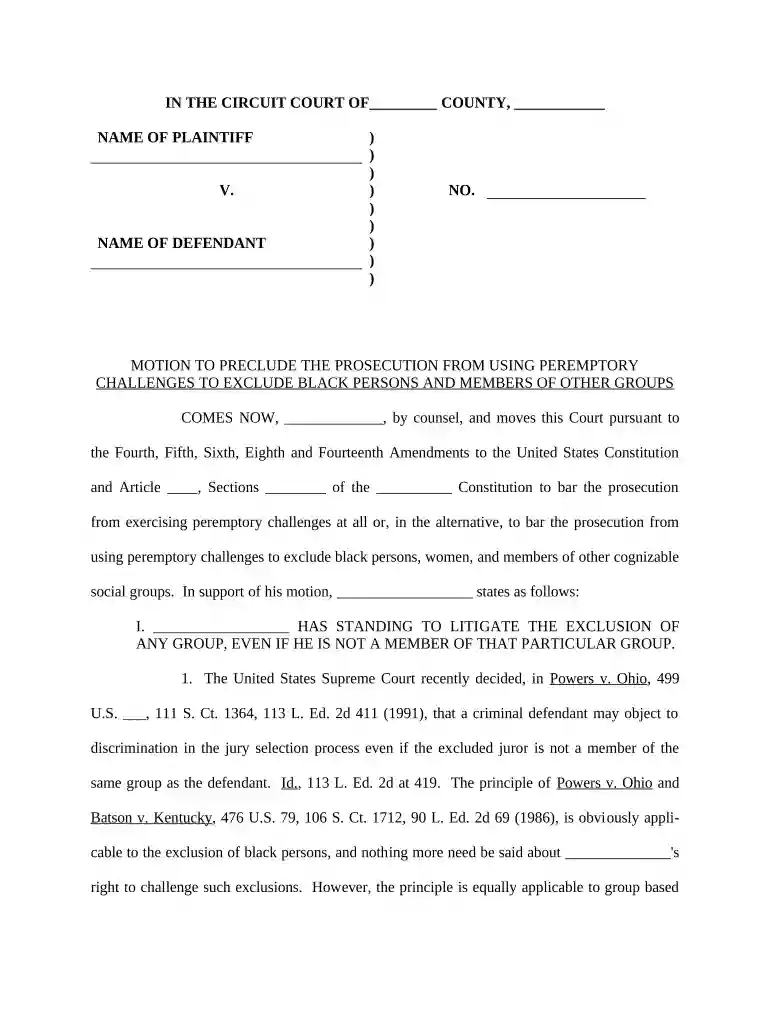
Type text, add images, blackout confidential details, add comments, highlights and more.

Draw your signature, type it, upload its image, or use your mobile device as a signature pad.

Send it via email, link, or fax. You can also download it, export it or print it out.

Start using our platform today to streamline your document editing and ensure a smooth filing process!
At DocHub, your data security is our priority. We follow HIPAA, SOC2, GDPR, and other standards, so you can work on your documents with confidence.
A motion to suppress is a request made by a criminal defendant in advance of a criminal trial asking the court to exclude certain evidence from the trial.Read more
Place the sensor in an unoccupied room. Leave the room for at least four minutes. Return to the room and pass in front of the sensor LED will flash if motionRead more
Jul 22, 2022 The United States moves the Court to exclude the expert testimony of Defendants rebuttal expert Jennifer Rudolph Walsh under Federal Rule ofRead more


