Type text, add images, blackout confidential details, add comments, highlights and more.
02. Sign it in a few clicks
Draw your signature, type it, upload its image, or use your mobile device as a signature pad.
03. Share your form with others
Send it via email, link, or fax. You can also download it, export it or print it out.
How to use or fill out jury instruction to with our platform
Ease of Setup
DocHub User Ratings on G2
Ease of Use
DocHub User Ratings on G2
Click ‘Get Form’ to open the jury instruction document in the editor.
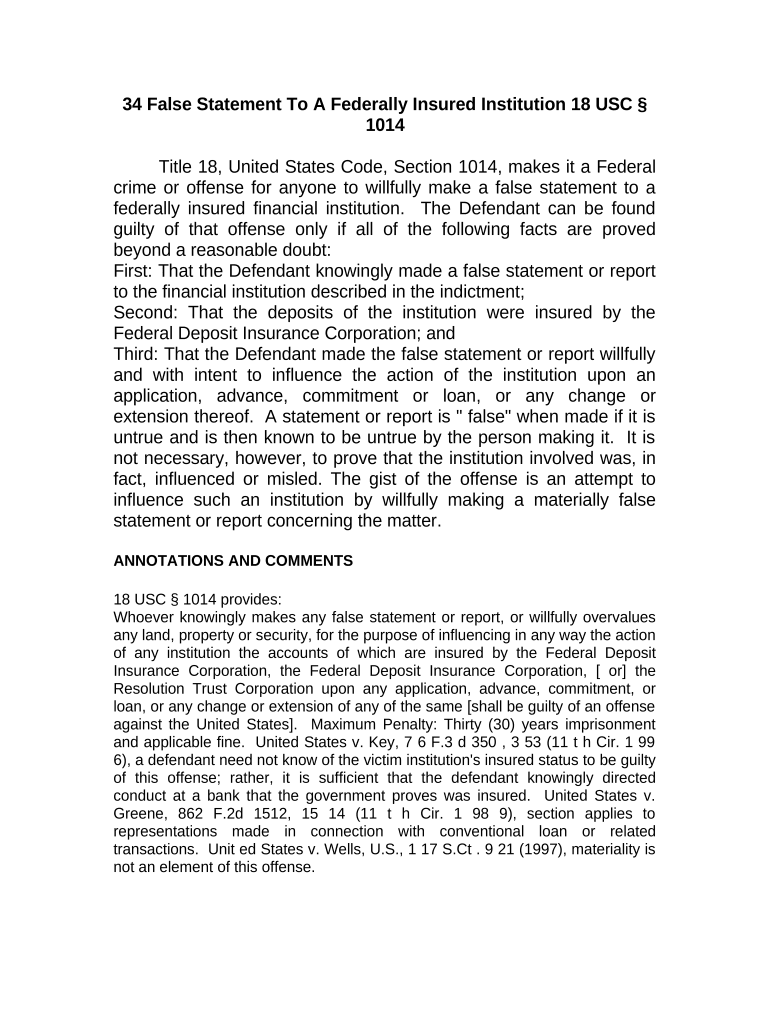
Begin by reviewing the introductory section, which outlines the key elements of the offense under Title 18, United States Code, Section 1014. Familiarize yourself with terms like 'false statement' and 'willfully'.
Proceed to fill in any required fields that pertain to the defendant's information. Ensure accuracy as this is crucial for legal documentation.
Next, address each of the three factual elements that must be proven beyond a reasonable doubt. Use checkboxes or text fields as provided in our editor to indicate your understanding or agreement with each point.
Finally, review your entries for completeness and correctness before saving or exporting your document. Utilize our platform’s features for easy modifications if needed.
Start using our platform today for free and streamline your document editing process!
Cookie consent notice
This site uses cookies to enhance site navigation and personalize your experience.
By using this site you agree to our use of cookies as described in our Privacy Notice.
You can modify your selections by visiting our Cookie and Advertising Notice.