Telecommuting agreement 2026

Get Form
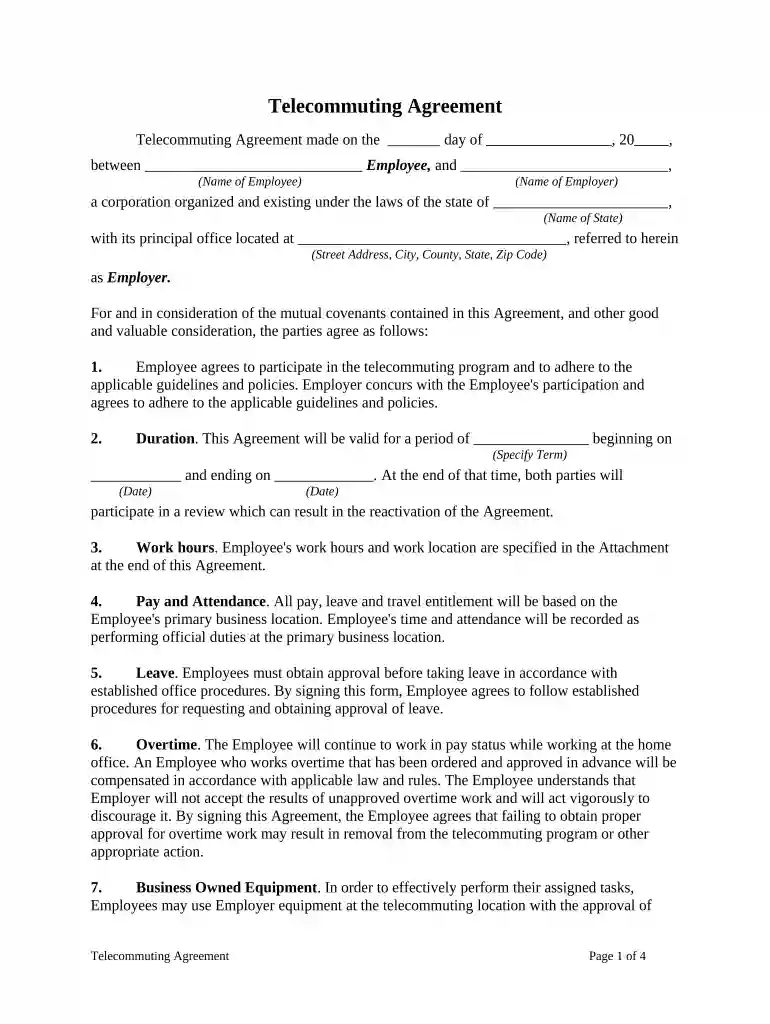
telecommuting is a form Preview on Page 1

Here's how it works

01. Edit your telecommuting is a form online
Type text, add images, blackout confidential details, add comments, highlights and more.

02. Sign it in a few clicks
Draw your signature, type it, upload its image, or use your mobile device as a signature pad.

03. Share your form with others
Send it via email, link, or fax. You can also download it, export it or print it out.

How to use or fill out telecommuting agreement with our platform

Form edit decoration
9.5
Ease of Setup
DocHub User Ratings on G2
9.0
Ease of Use
DocHub User Ratings on G2
  1. Click ‘Get Form’ to open the telecommuting agreement in the editor.
  2. Begin by filling in the date and names of both the Employee and Employer at the top of the document. Ensure accuracy as this sets the context for the agreement.
  3. Specify the duration of the agreement by entering start and end dates in the designated fields. This is crucial for defining the terms of your telecommuting arrangement.
  4. Detail work hours and location as outlined in the attachment section. Clearly state your primary business location and telecommuting address to avoid any confusion.
  5. Review sections on pay, leave, and overtime carefully. Fill in any necessary details regarding your compensation structure and ensure you understand approval processes for leave.
  6. Complete all remaining sections, including equipment usage, liability, and performance evaluations. Make sure to adhere to guidelines provided within each section.
  7. Finally, sign and date the document along with your employer's representative to finalize the agreement.

Start using our platform today to streamline your telecommuting agreement process for free!

be ready to get more

Complete this form in 5 minutes or less

Get form

Got questions?

We have answers to the most popular questions from our customers. If you can't find an answer to your question, please contact us.
Contact us
Telework vs remote work There is a difference They may work remotely on a temporary basis, such as while traveling, or they might be a permanent remote worker. Telecommuting, also called telework, can mean that the employee might regularly work on-site some of the time.
Yes, the Telework Enhancement Act requires every employee who participates in telework to have a written agreement, regardless of whether the employee participates in routine or situational telework.
Telecommuting is the practice of performing professional duties outside of a traditional office setting. Rather than commuting to a physical workplace, telecommuters use technology to complete their work and connect with colleagues from nearly any location.
A telecommuting agreement is a formal document that outlines the terms and conditions of remote work arrangement between the employers and employees in a place. A contractual agreement establishes both parties rights, responsibilities, and expectations in the telecommuting arrangement.
The main difference between the two is that while remote workers generally work exclusively from home or remote locations, telecommuters are often required to work at least one day or more per week at an office, and in-person check-ins are commonplace.

Security and compliance

At DocHub, your data security is our priority. We follow HIPAA, SOC2, GDPR, and other standards, so you can work on your documents with confidence.

Learn more
ccpa2
pci-dss
gdpr-compliance
hipaa
soc-compliance