




01. Edit your form online
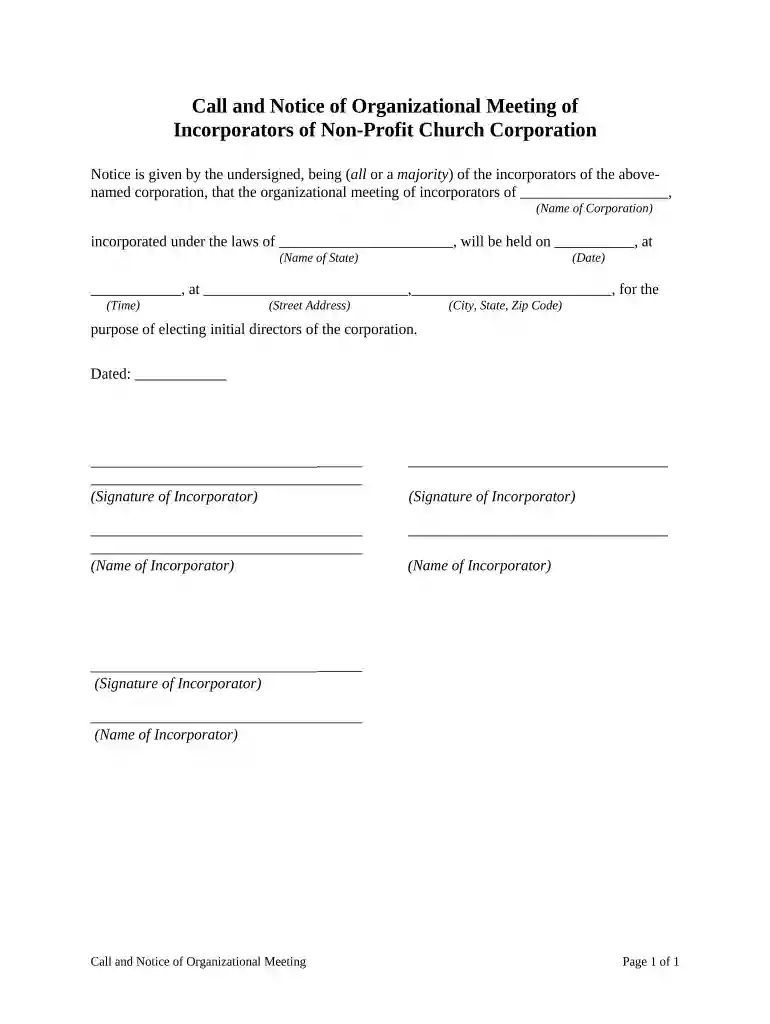
Type text, add images, blackout confidential details, add comments, highlights and more.

Type text, add images, blackout confidential details, add comments, highlights and more.

Draw your signature, type it, upload its image, or use your mobile device as a signature pad.

Send it via email, link, or fax. You can also download it, export it or print it out.

Start using our platform today to streamline your organizational meeting preparations for free!
At DocHub, your data security is our priority. We follow HIPAA, SOC2, GDPR, and other standards, so you can work on your documents with confidence.



Organizational meetings have several functions. They give members a chance to discuss and evaluate goals and objectives and keep you updated on currentRead more
During the 94th General Meeting in Denver, NBBI recognized member service and honored jurisdictions joining the JRS program. Continue reading. GM2026thumbRead more


