




01. Edit your form online
Type text, add images, blackout confidential details, add comments, highlights and more.

Type text, add images, blackout confidential details, add comments, highlights and more.

Draw your signature, type it, upload its image, or use your mobile device as a signature pad.

Send it via email, link, or fax. You can also download it, export it or print it out.

Start using our platform today to effortlessly create and manage your documents online for free!
At DocHub, your data security is our priority. We follow HIPAA, SOC2, GDPR, and other standards, so you can work on your documents with confidence.
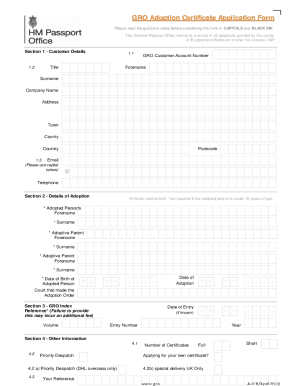


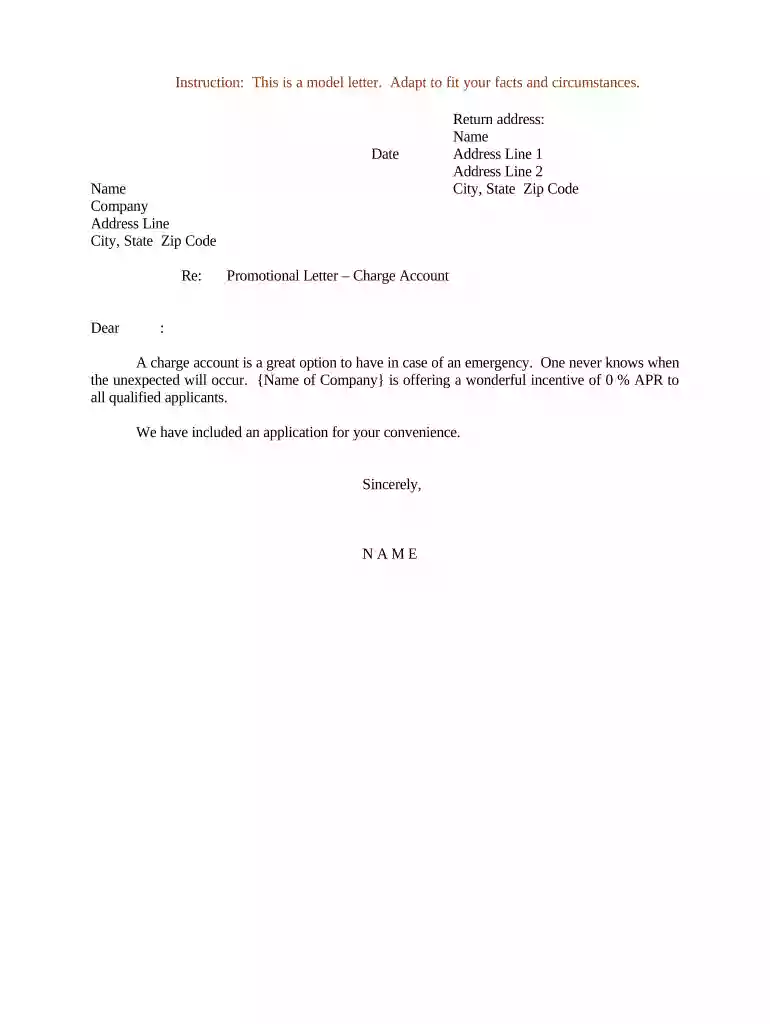
Appendix 5C Sample Letter of Appointment Promotion. Dear (name): This letter is to confirm your promotion to the position of (class title) (FTE%) with theRead more
Forwarding of chain letters. Participation in any on-line contest or promotion. Acceptance of promotional gifts. Bandwidth both within the company and inRead more
by M Gottlieb 2022 Cited by 24 A sample PT letter is included as a supplemental file (Appendix S1). Use equitable, inclusive language. Evaluative language in PT lettersRead more


