




01. Edit your 20 year anniversary letter to husband online
Type text, add images, blackout confidential details, add comments, highlights and more.

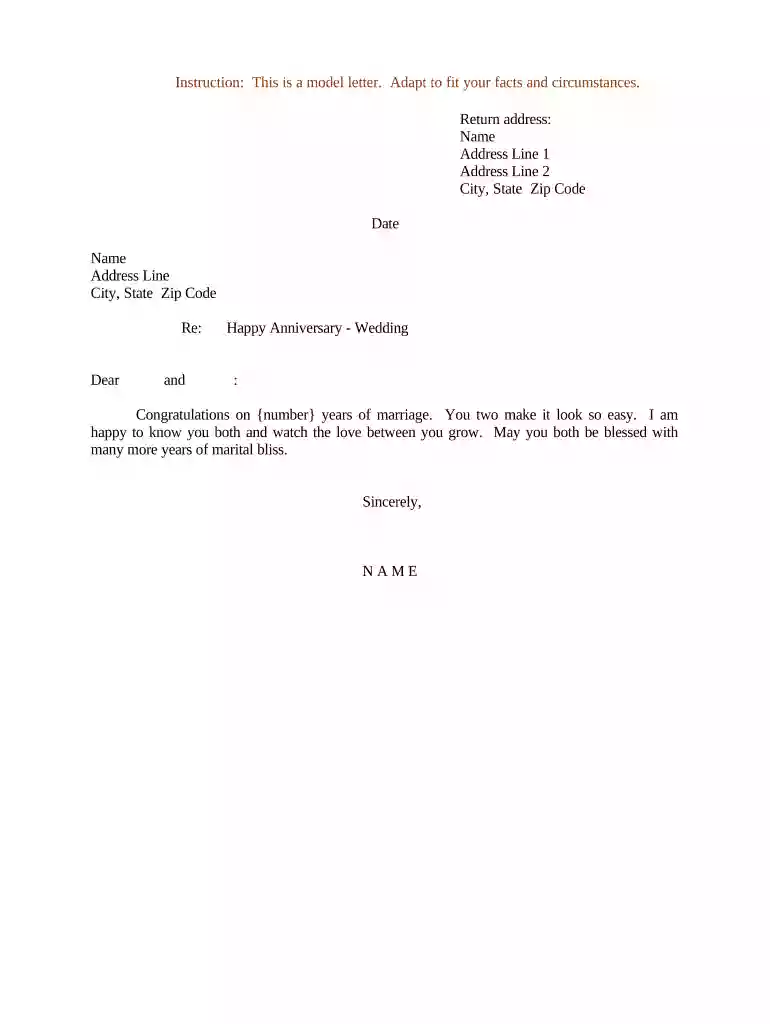
Type text, add images, blackout confidential details, add comments, highlights and more.

Draw your signature, type it, upload its image, or use your mobile device as a signature pad.

Send anniversary letter via email, link, or fax. You can also download it, export it or print it out.

Start using our platform today to create personalized letters for free!
At DocHub, your data security is our priority. We follow HIPAA, SOC2, GDPR, and other standards, so you can work on your documents with confidence.
The kind invitation I receive from you, on the part of the citizens of the city of Washington, to be present with them at their celebration of the fiftiethRead more
Oct 15, 2016 Hypothetical Love Letter Composed on the Occasion of My Twentieth Wedding Anniversary | AGNI Online. AGNI. A literary magazine named after theRead more


