Letter authorization 2026

Get Form
letter of authorization Preview on Page 1

Here's how it works

01. Edit your letter of authorization online
Type text, add images, blackout confidential details, add comments, highlights and more.
02. Sign it in a few clicks
Draw your signature, type it, upload its image, or use your mobile device as a signature pad.
03. Share your form with others
Send it via email, link, or fax. You can also download it, export it or print it out.

How to use or fill out letter authorization with our platform

Form edit decoration
9.5
Ease of Setup
DocHub User Ratings on G2
9.0
Ease of Use
DocHub User Ratings on G2
  1. Click ‘Get Form’ to open the letter authorization in the editor.
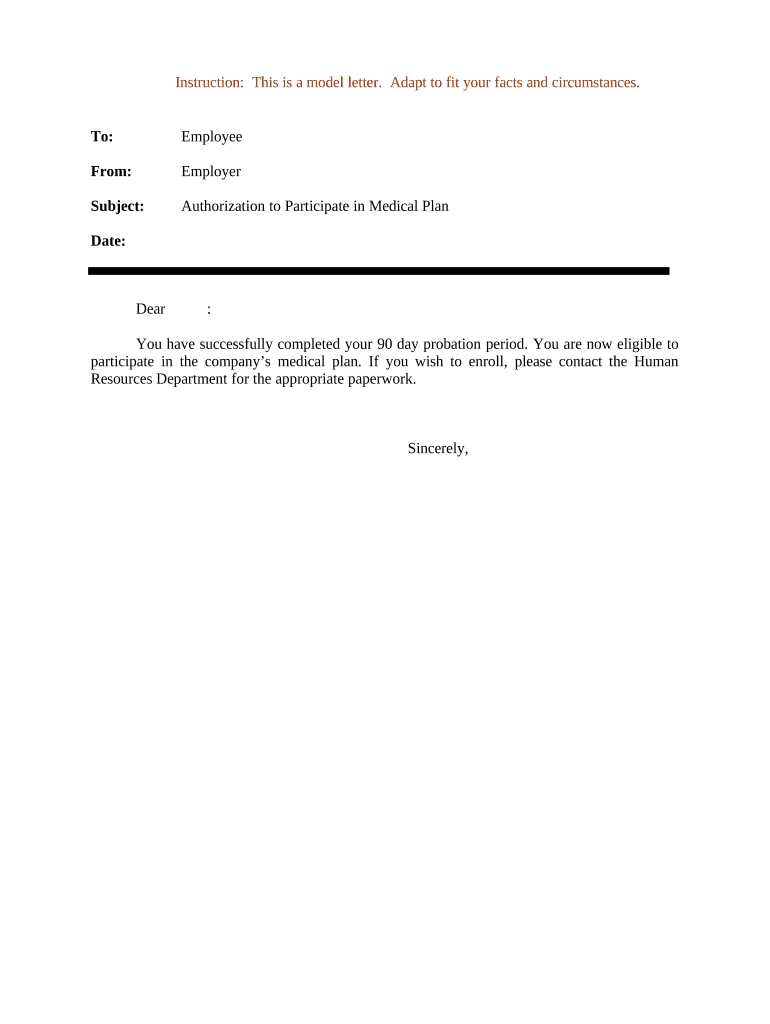
  2. Begin by filling in the 'To' field with the name of the employee who is being authorized.
  3. In the 'From' section, enter your name or title as the employer issuing the authorization.
  4. Specify the subject line as 'Authorization to Participate in Medical Plan' for clarity.
  5. Insert the current date in the designated area to ensure proper documentation.
  6. Address the employee directly in the salutation, using their name for a personal touch.
  7. Convey that they have completed their probation period and are now eligible for enrollment in the medical plan.
  8. Include instructions for contacting Human Resources for further paperwork if they wish to enroll.
  9. Sign off with a professional closing, such as 'Sincerely,' followed by your name or title.

Start using our platform today to easily create and manage your letter authorizations online for free!

be ready to get more

Complete this form in 5 minutes or less

Get form

Got questions?

We have answers to the most popular questions from our customers. If you can't find an answer to your question, please contact us.
Contact us
A Letter of Authorization delegates authority from one party to another, enabling the authorized party to act on behalf of the other. It provides a formal, legally binding framework to validate permissions, streamline processes, and ensure compliance with regulations.
A letter of authorization serves as a formal permission tool that delegates authority or power from one party to another. It allows the secondary party to perform crucial actions on the principal partys behalf.
Dear [Recipients Name], I, [Your Full Name], hereby authorize [Authorized Persons Full Name] to act on my behalf in all matters related to [Specify the Purpose of Authorization, e.g., financial transactions, signing documents, accessing records, etc.].
A user might be authorized to access a word processor, an email client, a CRM and more. With basic authorization, users would have a distinct user ID and password for each system. For example, your employees might need one log in for the CRM, another for their email, another to access a server, and so on.
This term is often used interchangeably with access control or client privilege. Giving someone permission to download a particular file on a server or providing individual users with administrative access to an application are good examples of authorization.

Security and compliance

At DocHub, your data security is our priority. We follow HIPAA, SOC2, GDPR, and other standards, so you can work on your documents with confidence.

Learn more
ccpa2
pci-dss
gdpr-compliance
hipaa
soc-compliance